

Channels
Adding a channel, subscribing it, and deleting it are limited to workspace
owners and admins; for everyone else the controls are not rendered.
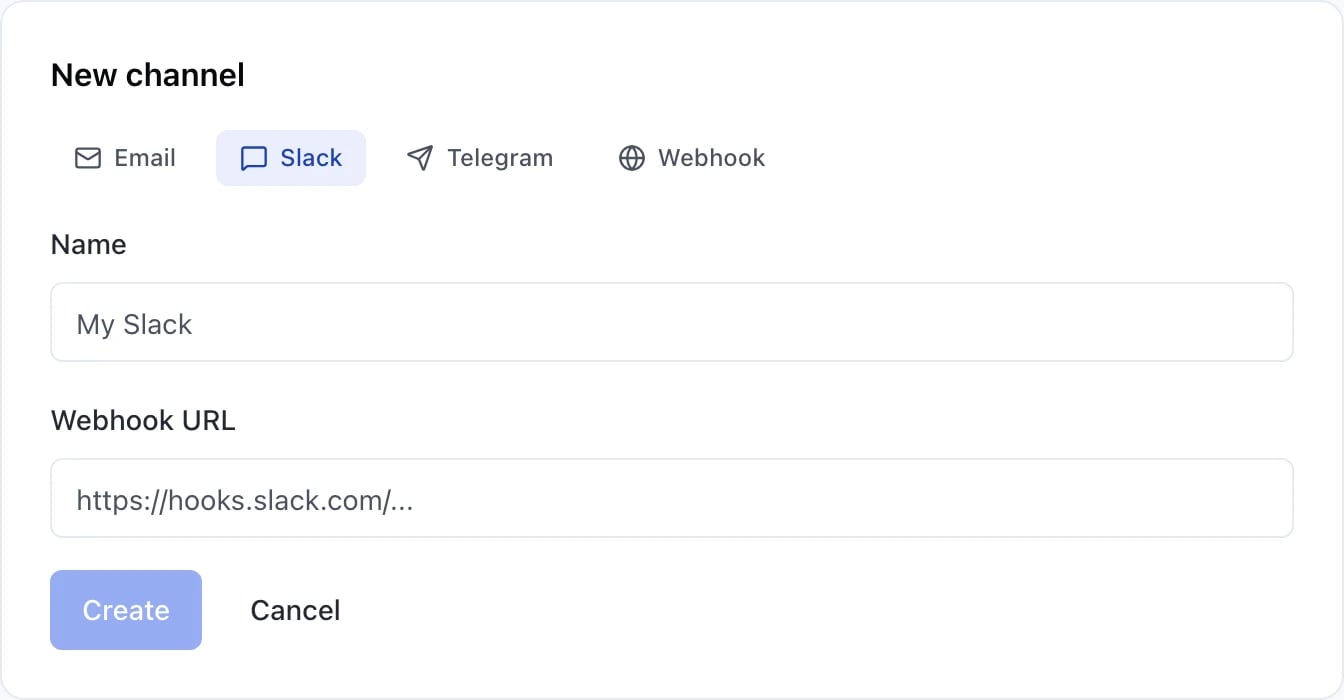
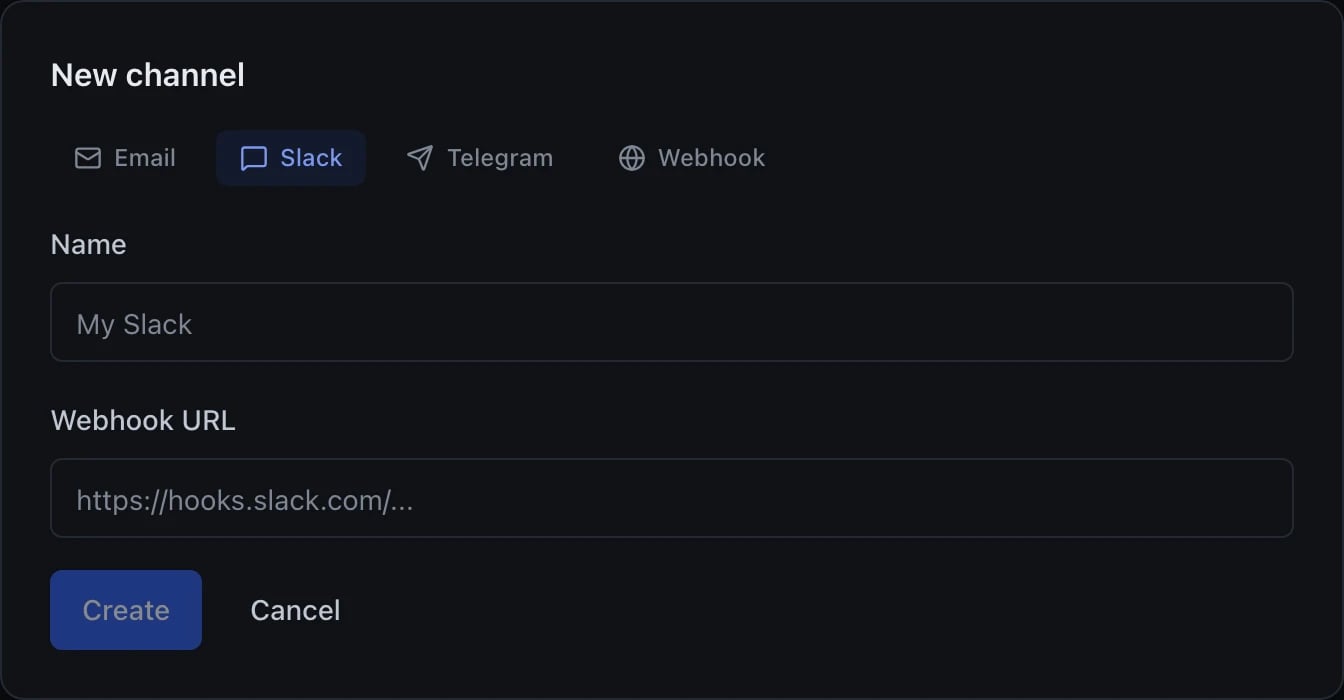
Adding a channel: pick the type, then supply where it goes
Events you can subscribe to
Nine, in the four groups the picker shows. This is the list of things that are actually emitted, not a roadmap — an event nothing sends would be a control that can never fire.
Three of them do not behave the way “subscribe and you will be told” implies, and
the form repeats each caveat as you select it:
- Run retrying — async runs only. It is sent instead of Run started on the second and later attempts of a queued run with retries configured; a sync or streaming request is a single attempt and never sends it.
- Budget threshold reached — applies only to budget alerts that have no channels of their own. An alert naming its own channels bypasses subscriptions entirely.
- Template unavailable — an operator alert, delivered to the internal admin workspace. Subscribing to it in an ordinary workspace will never fire.
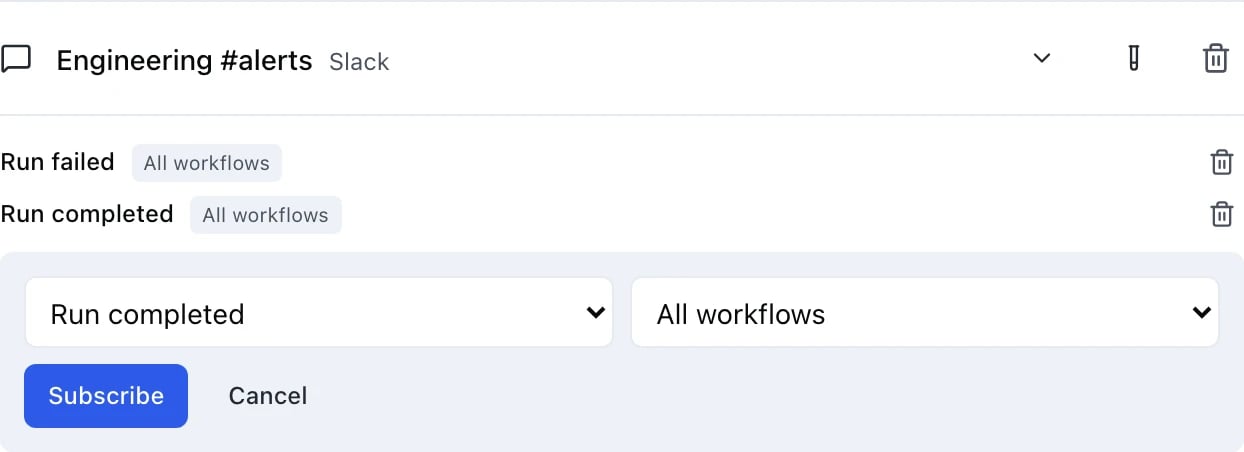
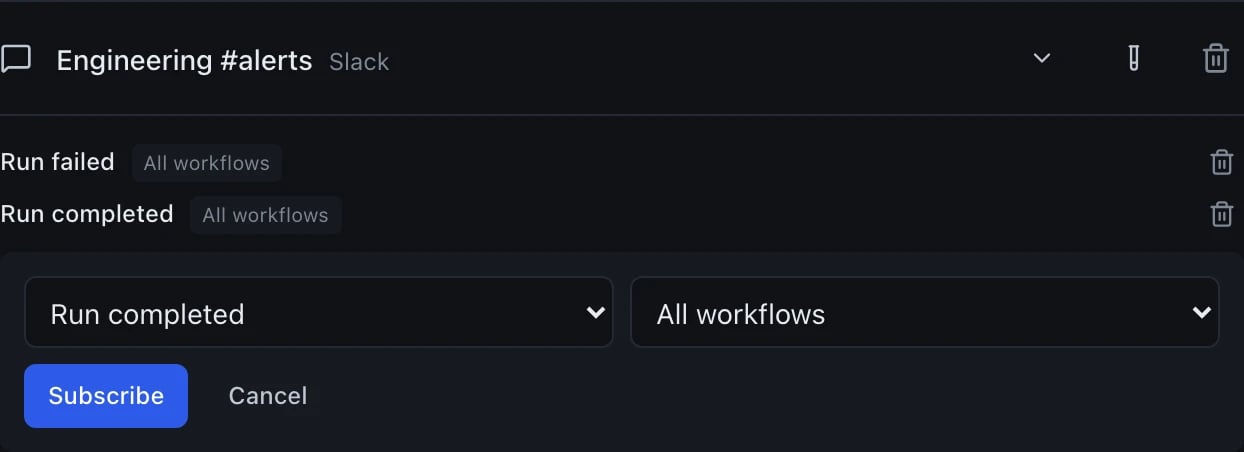
Adding a subscription: one channel, one event type, one scope
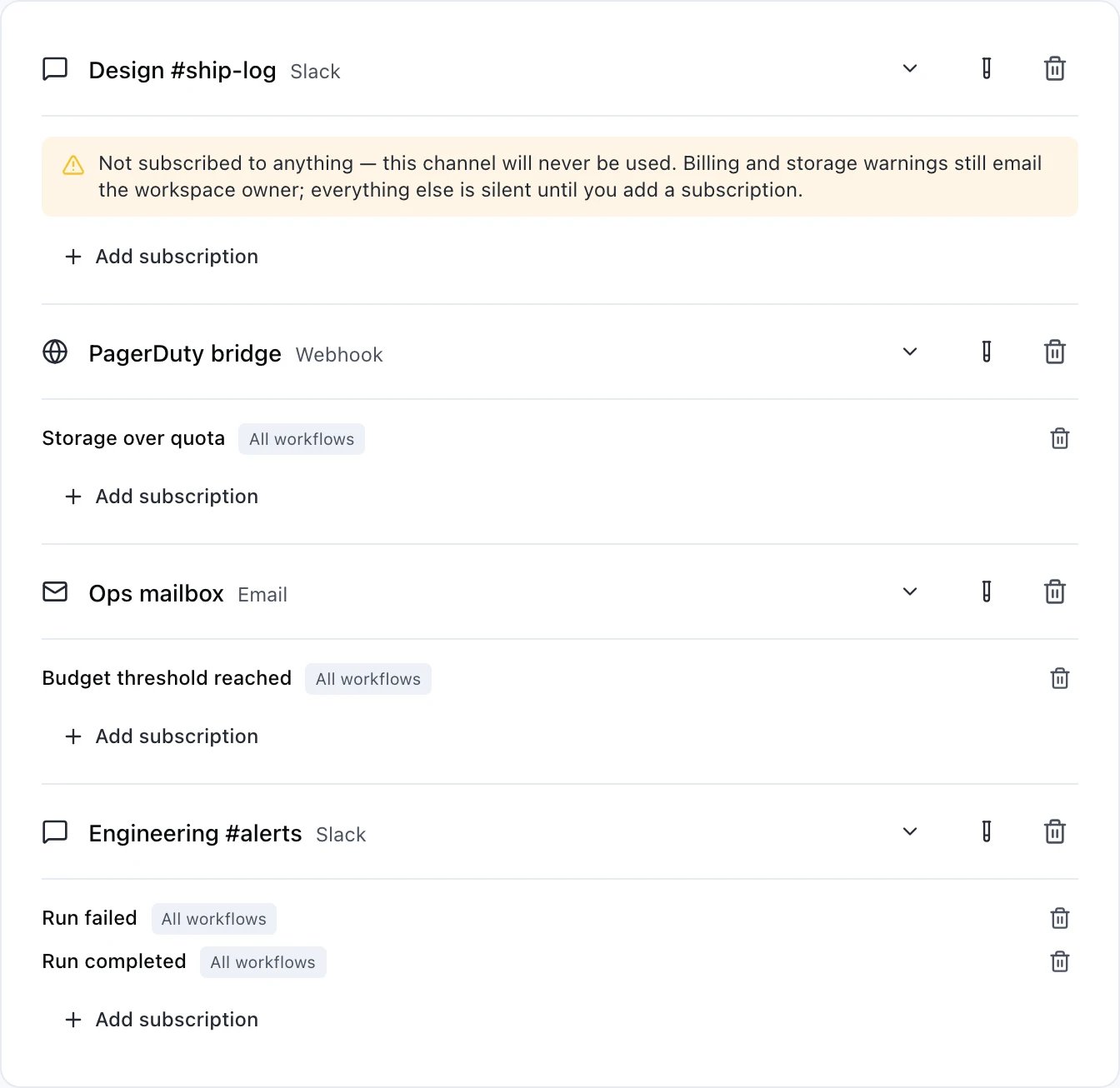
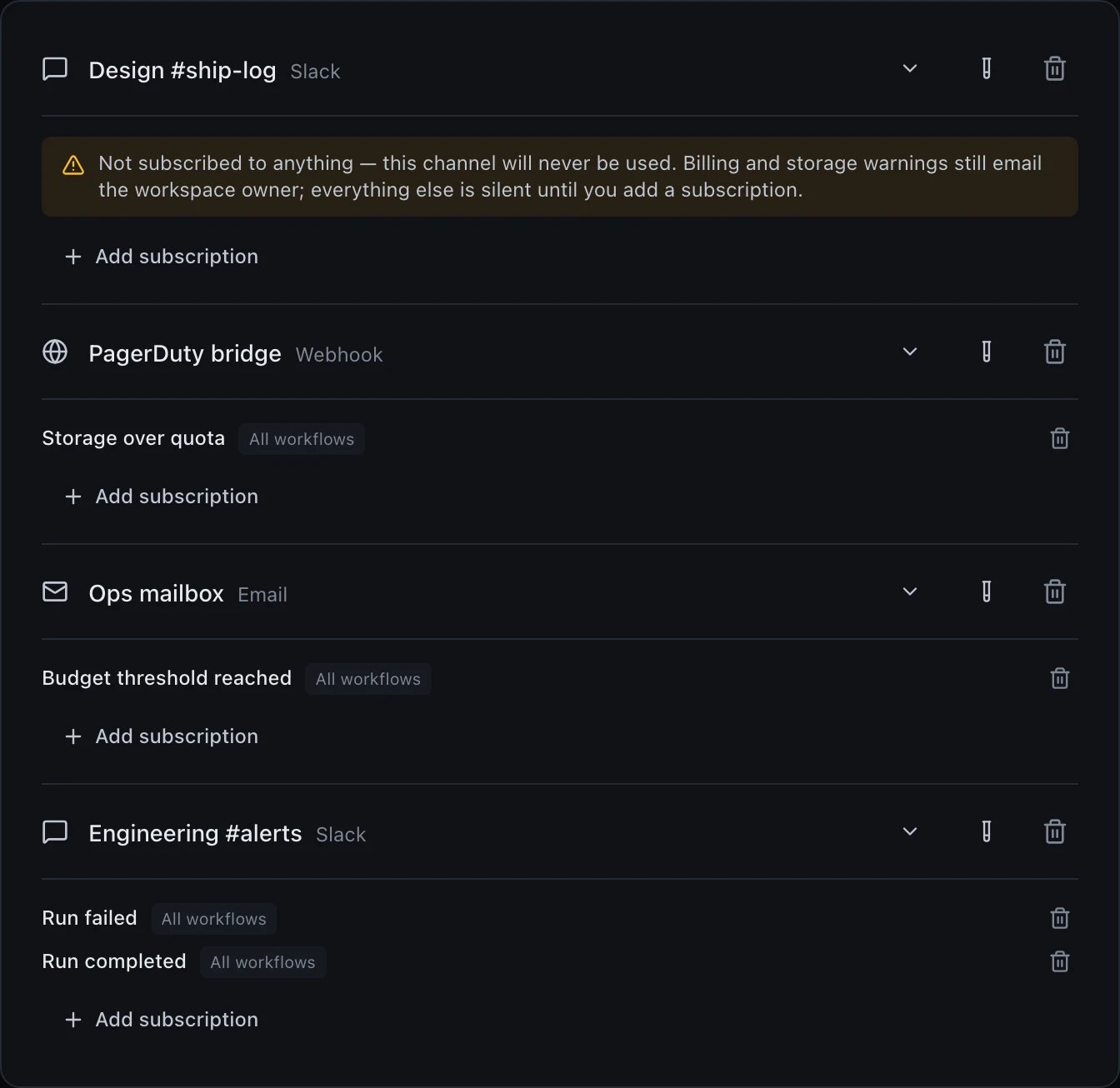
Four channels — three that will fire, and one that will not
Subscriptions belong to a channel, not to a person
There is no per-member event list. A subscription is attached to a channel, and the only thing it can be narrowed to is a workflow — there is no way to say “this event, but only for Maya”. Owners and admins are the only roles that can add or remove one. To route something at one person, give them a channel of their own: an email channel carries a single address, so an email channel per person, subscribed to what that person cares about, is how per-member routing is expressed today.Webhook format
A webhook channel receives this envelope. The five top-level keys arrive in this order, and that order is part of the contract:event is the event type you subscribed to. metadata is whatever the emitter
attached, so its shape varies by event — the example above is a terminal run
event. Optional keys are omitted rather than sent as null: a missing
durationMs means the run was never measured, not that it took no time.
Every request carries an x-webhook-signature header: HMAC-SHA256 of the exact
body bytes, hex-encoded, keyed by the channel’s signing secret. The secret is
generated for you when the channel is created — there is no way to create an
unsigned webhook channel through the dashboard or the API, and no way to clear
the secret afterwards.
Verify it by recomputing the HMAC over the raw request body, before any JSON
parsing: re-serialising the parsed object changes the bytes and the signature
will not match. Compare with a constant-time comparison.
The signature covers the body and nothing else — not a timestamp — so it proves
the payload came from us and was not altered, but it does not by itself prove
the request is fresh. If replay matters to you, key on something stable in the
payload — metadata.runId on a run event — and ignore a repeat.
Channels created before signing became automatic may still have no secret. Open
the channel in Settings → Notifications and press Generate signing
secret; until you do, no signature header is sent at all — so a receiver that
may be fed by such a channel should check the header is present before trusting
it, and refuse the delivery when it is missing.
Authenticating to your endpoint
If your receiver sits behind authentication, a webhook channel can present a credential with every delivery. The channel editor’s Authorization block offers five choices — None, the default, and the four below — and the API takes the same fields underconfig:
The signature is sent alongside whichever you choose; the two are independent,
and you can check either, both, or neither.
Two header names are refused:
Content-Type, and x-webhook-signature. The
second matters — a channel that could name the signature header would replace
the real HMAC with a value chosen by the sender, and a receiver checking it
would be verifying a claim the request made about itself. Header names must also
be valid HTTP field names, so a name containing a space, a colon or a line break
is rejected when you save; so is a control character anywhere in any config
value.
A credential is write-only once saved. It is never returned by the API and
never shown in the dashboard again — the field renders as •••••••• with a
Replace button. The signing secret is the one exception, because you have to
paste it into your receiver: Reveal shows it and Rotate replaces it, and
both are recorded in the workspace audit log. If you create the channel over the
API rather than in the dashboard, the 201 response carries the generated
signingSecret once — that is the cheapest moment to capture it, and it is never
returned by a create again.
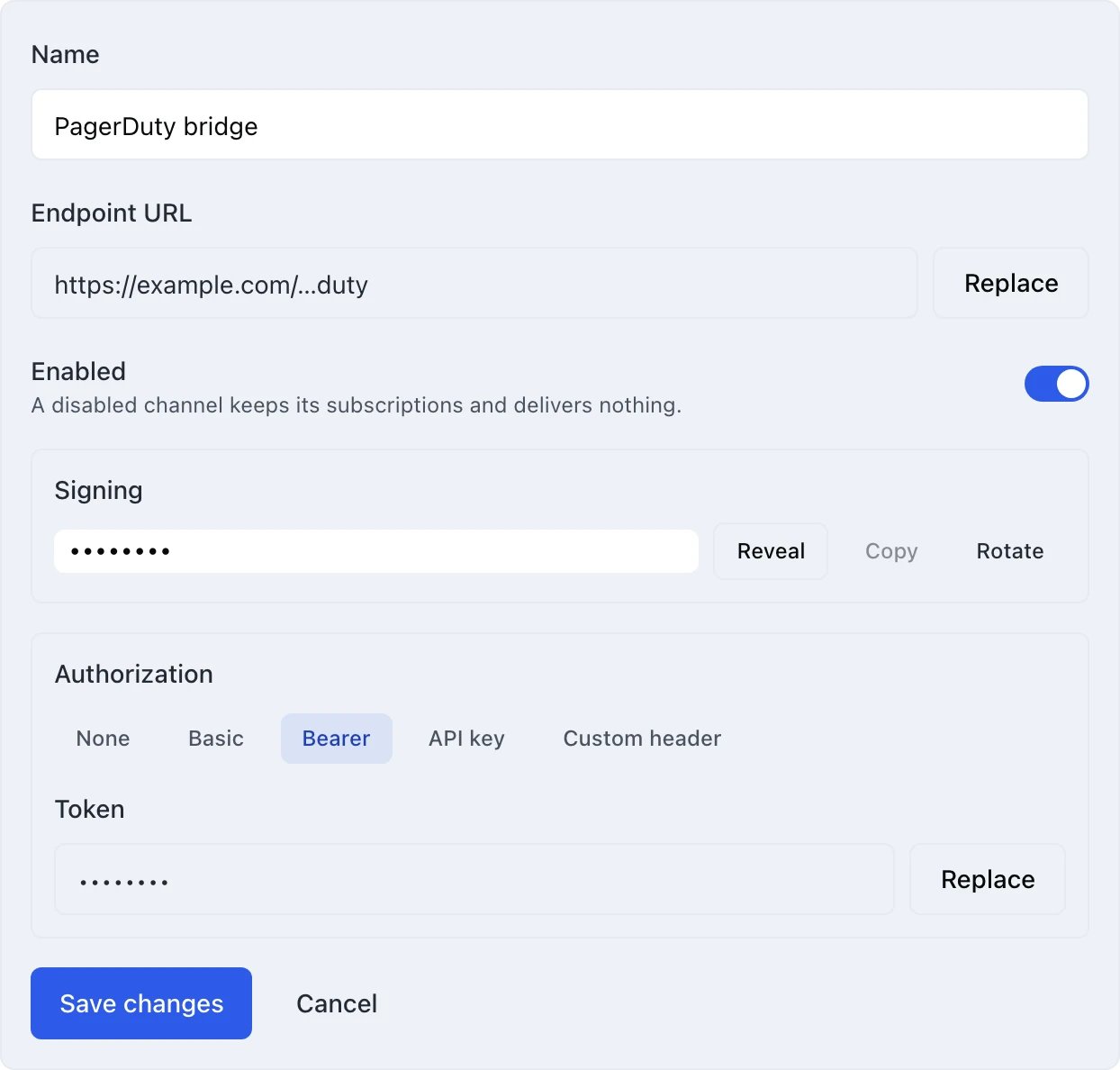
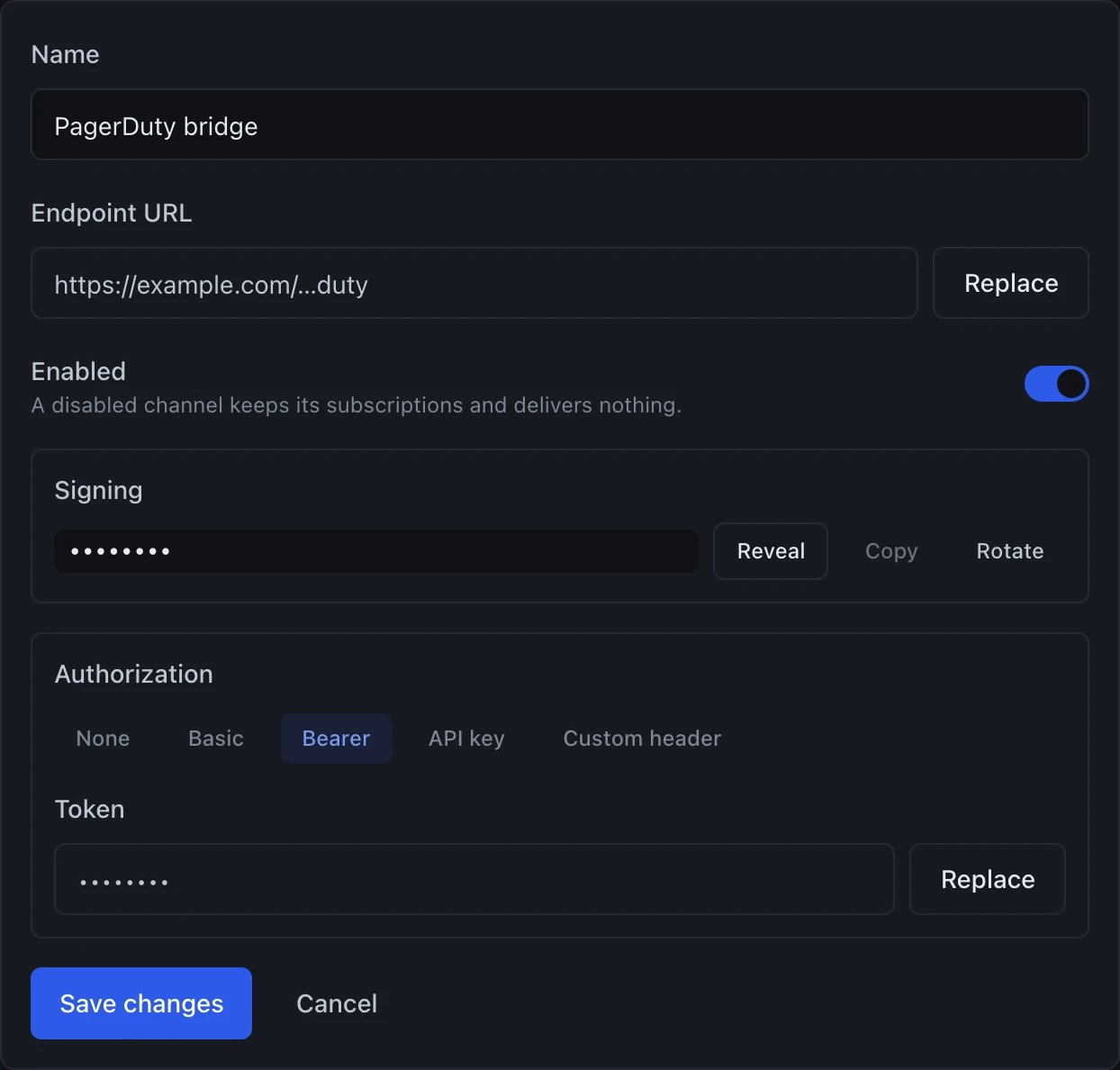
Editing a webhook channel: where it points, how it is signed, and how it authenticates
Editing a channel
Expand a channel row with the chevron on its right — owners and admins are the only roles these controls are rendered for — and the editor opens in place. You can change the name, where the channel points, how it authenticates, and whether the channel is enabled at all. The editor shows you where the channel points, but a URL that is itself a credential is shown redacted: a webhook endpoint and a Slack incoming-webhook URL come back as their origin and last four characters,https://hooks.slack.com/…9f2c. A Telegram chat id is not a credential and is
shown in full. Credentials proper — a password, a bot token, a bearer token, an
API key, a custom header’s value — render as •••••••• and can be replaced but
not read. Leaving either
kind of field alone keeps the stored value, so you can change the URL without
retyping the token, and the token without retyping the URL.
The Enabled switch applies the moment you flip it; it does not wait for
Save changes. Switching a channel off keeps the channel, its
subscriptions and its delivery history exactly where they are, and dispatch skips
it. Switch it back on and deliveries resume. This is the reversible version of
deleting a channel, and it is what you want when a receiver is down for
maintenance. One thing it does stop: a past delivery in the log cannot be retried
while its channel is disabled.
The same operation over the API is
PATCH /workspaces/:workspaceId/notification-channels/:channelId:
inf_live_ API key — and owners and admins may change any channel, while a
developer may change only a channel they created themselves.
A note for API callers: a PATCH that sends config merges exactly two
kinds of field into what is already stored — the credentials, and the redacted
URLs. Either one keeps its stored value when the request omits it, which is what
lets the dashboard save a form in which credentials were never displayed. To
clear an optional credential, send it as an empty string; the one exception is a
webhook’s signing secret, which is regenerated rather than cleared, because a
webhook channel cannot exist unsigned. A redacted URL sent back exactly as you
received it is understood as “unchanged”, while a value that merely looks
redacted — and does not match what the stored one redacts to — is refused rather
than stored.
Every other key is replaced wholesale, and that includes authType. Sending
{ "config": { "url": "https://new.example.com/hook" } } at a Bearer-authenticated
webhook keeps the stored token, because a token is a credential — but it drops
authType, and a channel with no authType sends no Authorization header at
all. Nothing rejects the request, because authType is optional: deliveries
simply start arriving unauthenticated, and the first sign of it is your receiver
answering 401. authUsername, a Telegram chatId and an email recipient are
lost the same way. So send the whole config you want the channel to end up
with, minus only the credentials and redacted URLs you are not replacing.