

model, media, three_d, http,
sub_pipeline, foreach and parallel — plus one step type per capability
(image.resize, video.trim, web.search, …). The two containers have
their own page.
A step type that is neither is refused with unsupported_step_type, wherever it sits in the
tree.
The palette
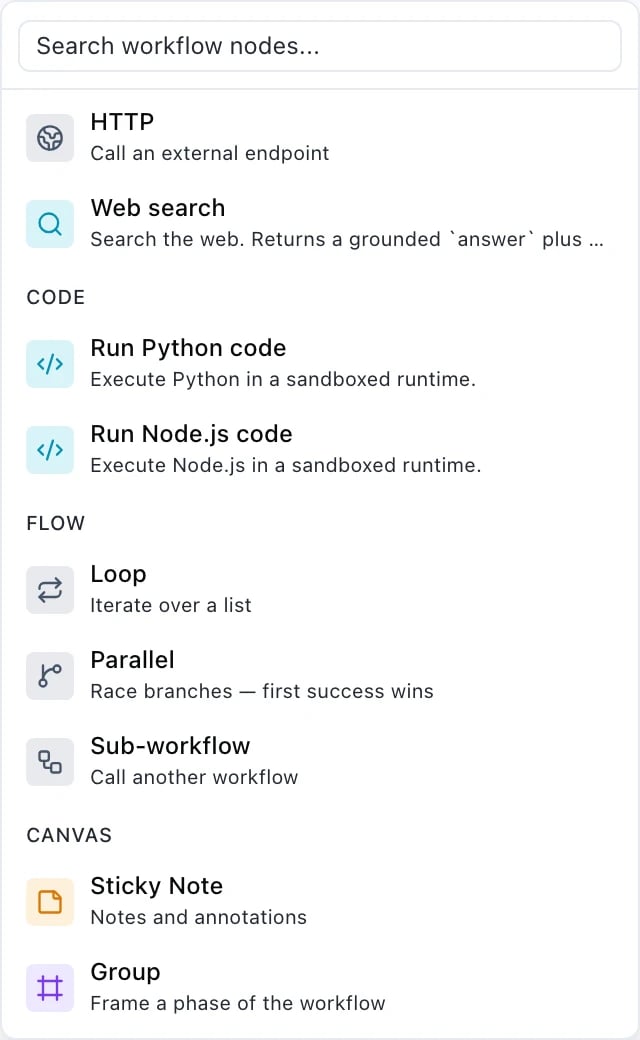
Add a node on the canvas is the visual index of everything on this page. The groups below are the palette’s own. Where a palette name and a JSON type differ, the palette speaks product and the JSON speaks wire — both are named here so you can move between them.Inputs
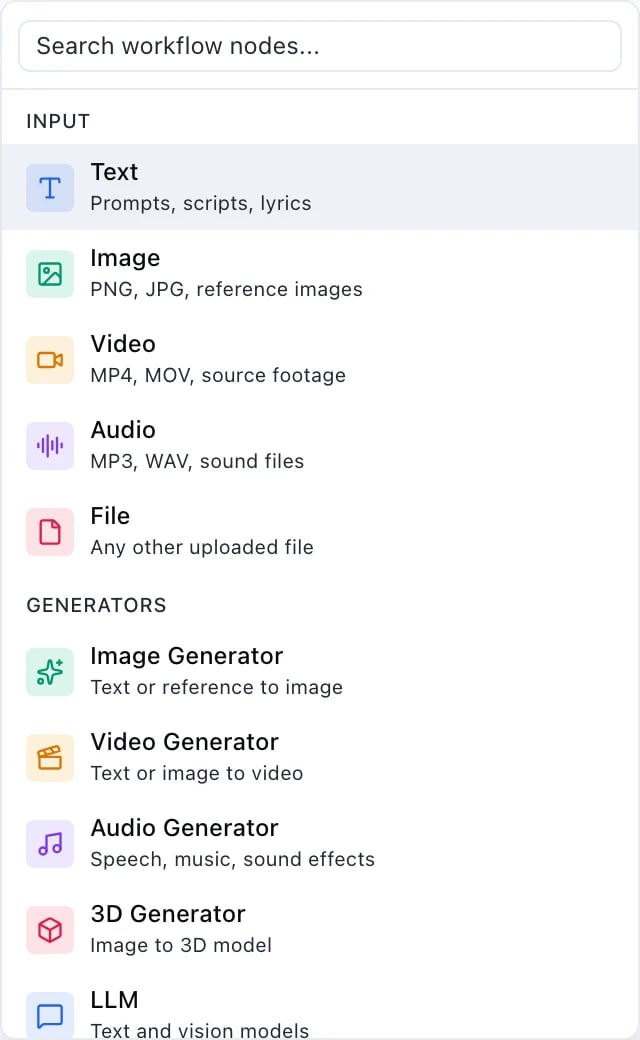
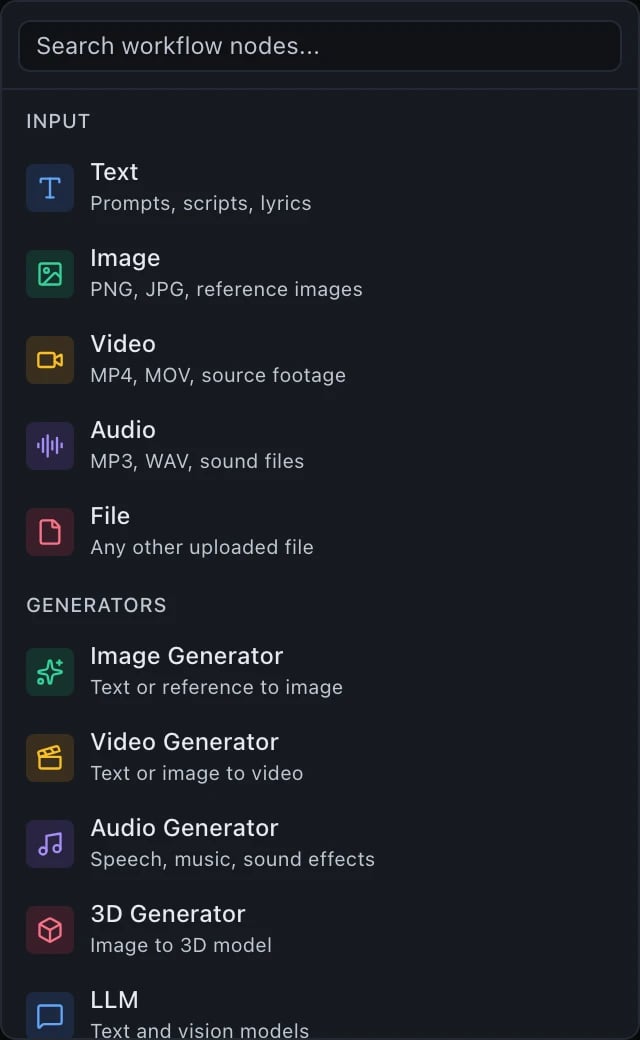
The values a run supplies
inputs declaration and the ${input.…} bindings that read it
— see Declaring run inputs.
Generators
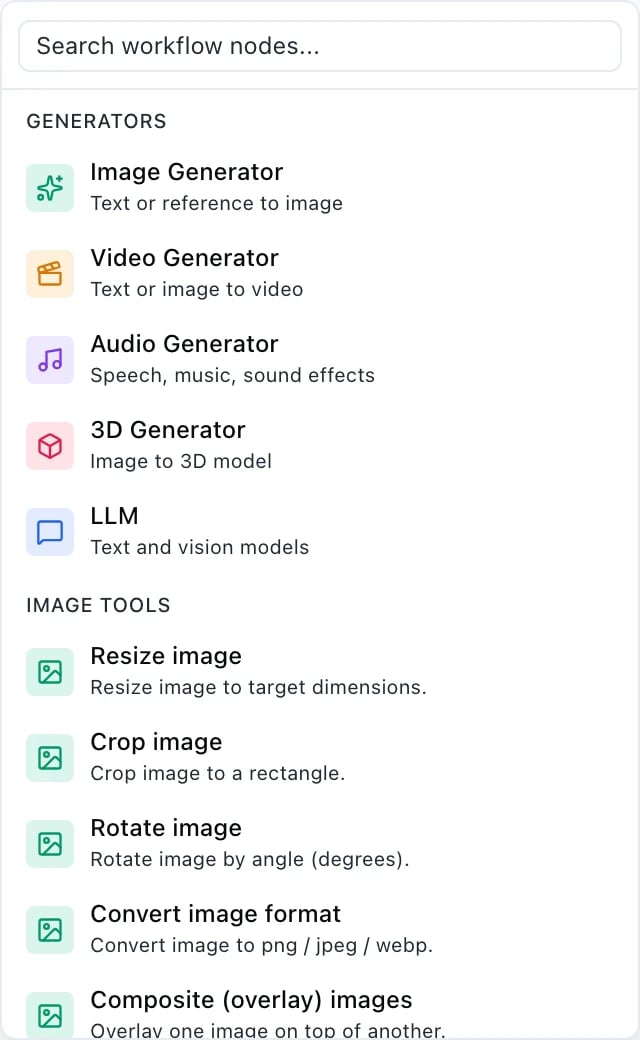
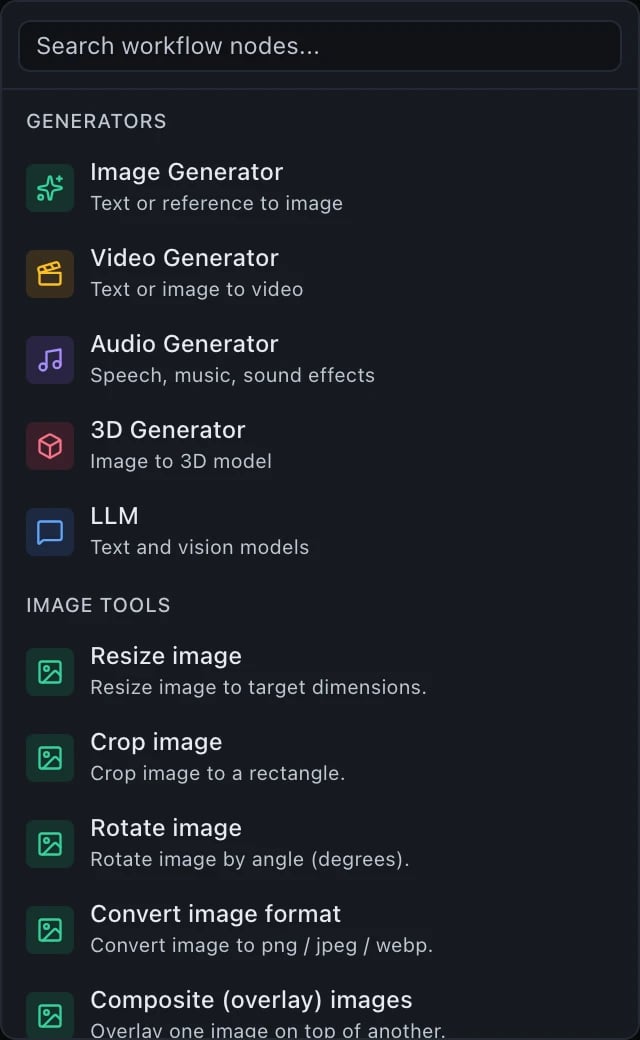
The steps that call a model
model step. Image Generator, Video Generator and Audio
Generator are media steps, one per modality. 3D Generator is its
own step type, three_d — the 3D catalogue also holds models that take
a mesh as input (rigging, remeshing, retexturing), a shape media’s prompt-plus-
optional-image has no room for.
Media tools
Deterministic work on files: no model, no prompt, a fixed price — with one exception. Every entry but one is a capability step —image.resize, video.trim, audio.concat and so on. The exception is
Transcribe, in the audio group below: it runs through a speech-to-text model,
so it is a media step and priced like one, not a capability.
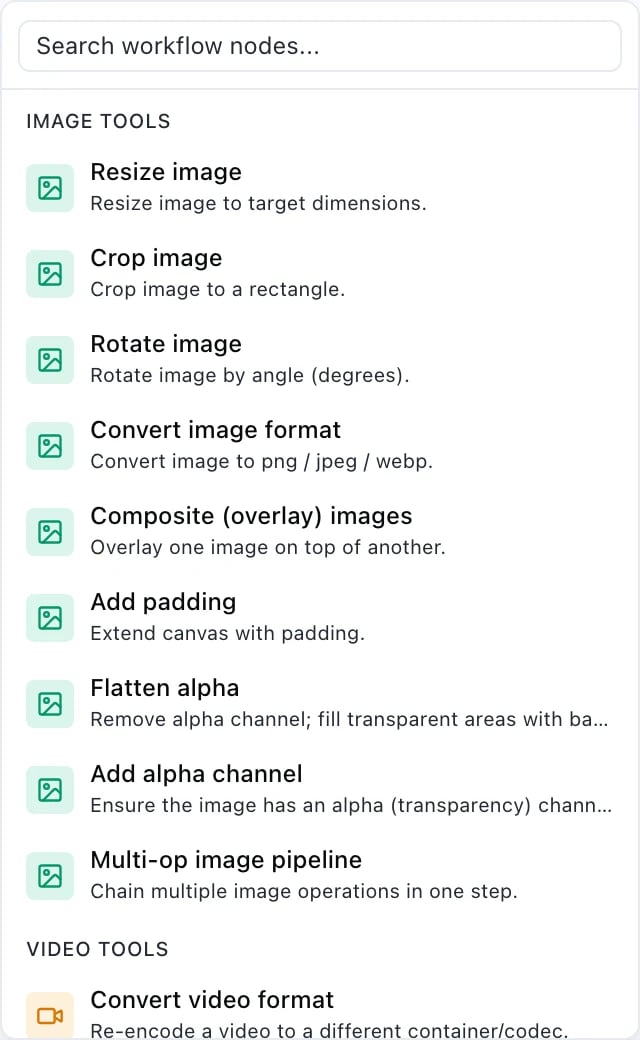
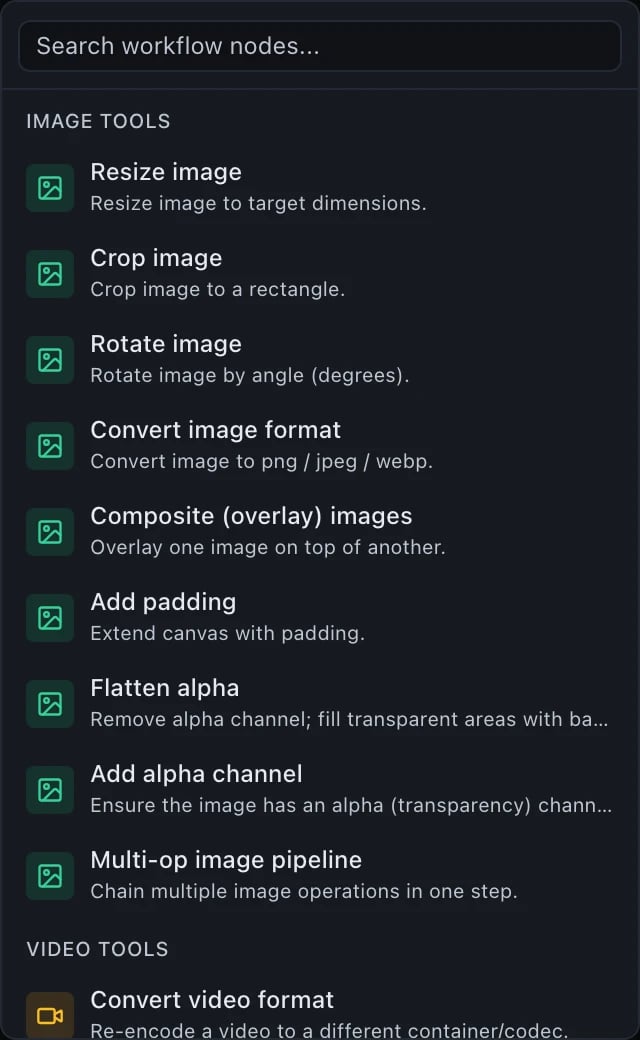
Image tools
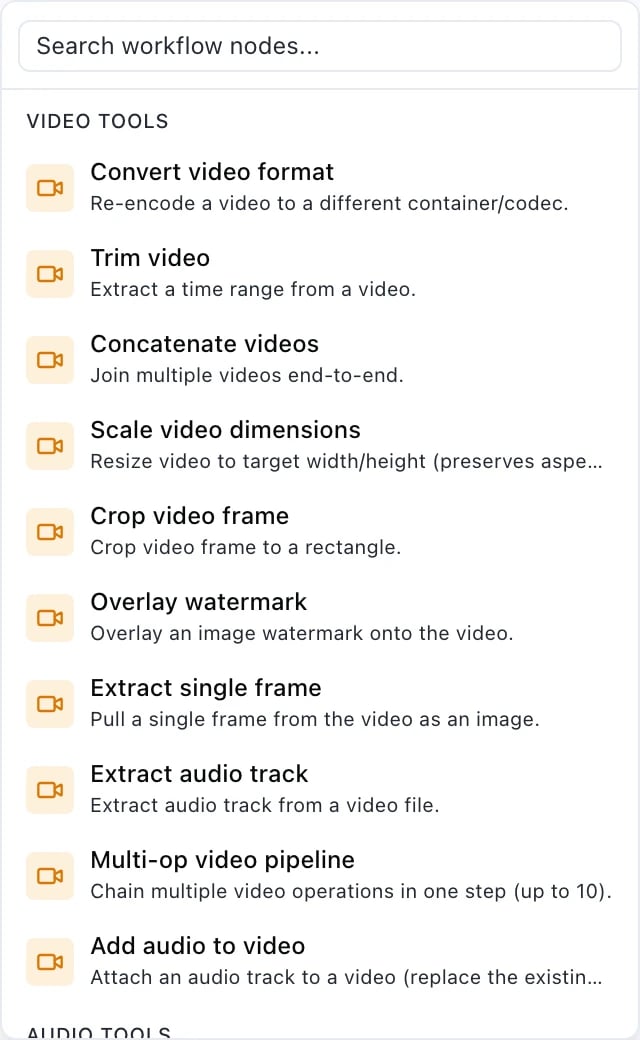
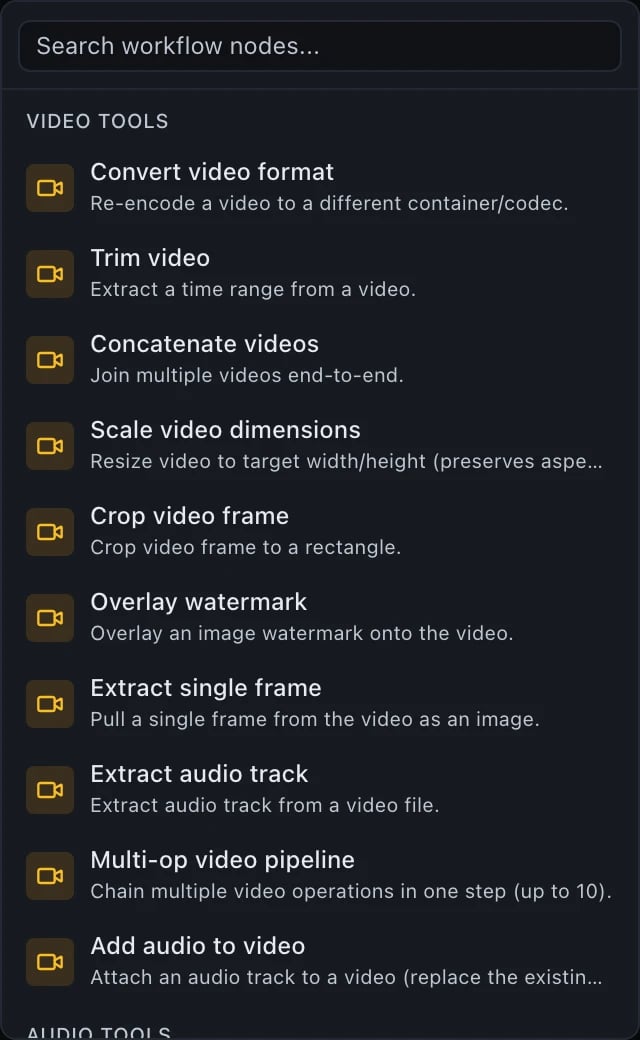
Video tools
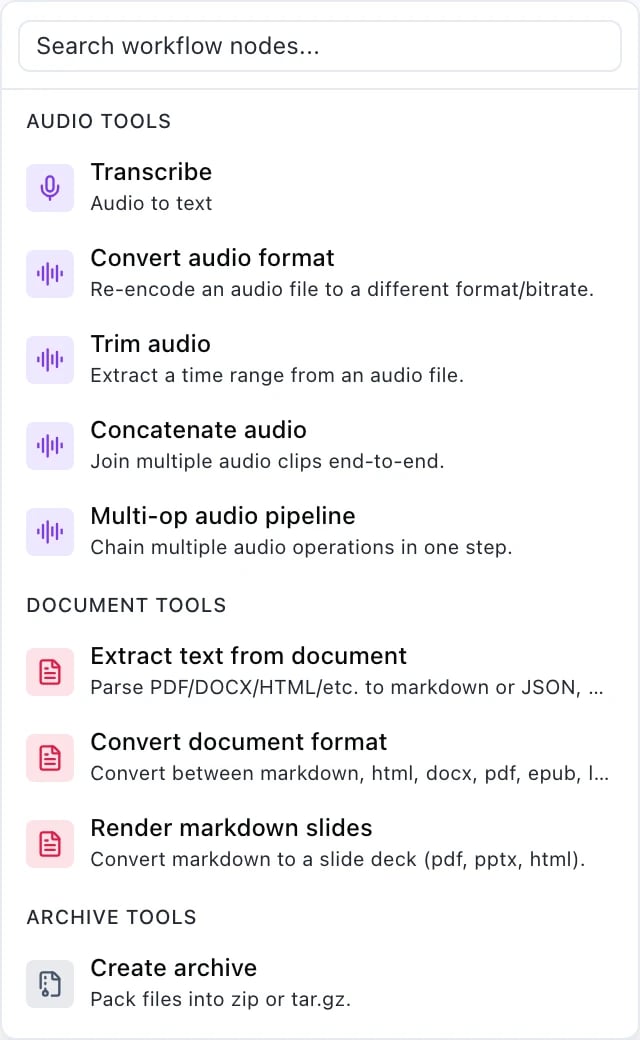
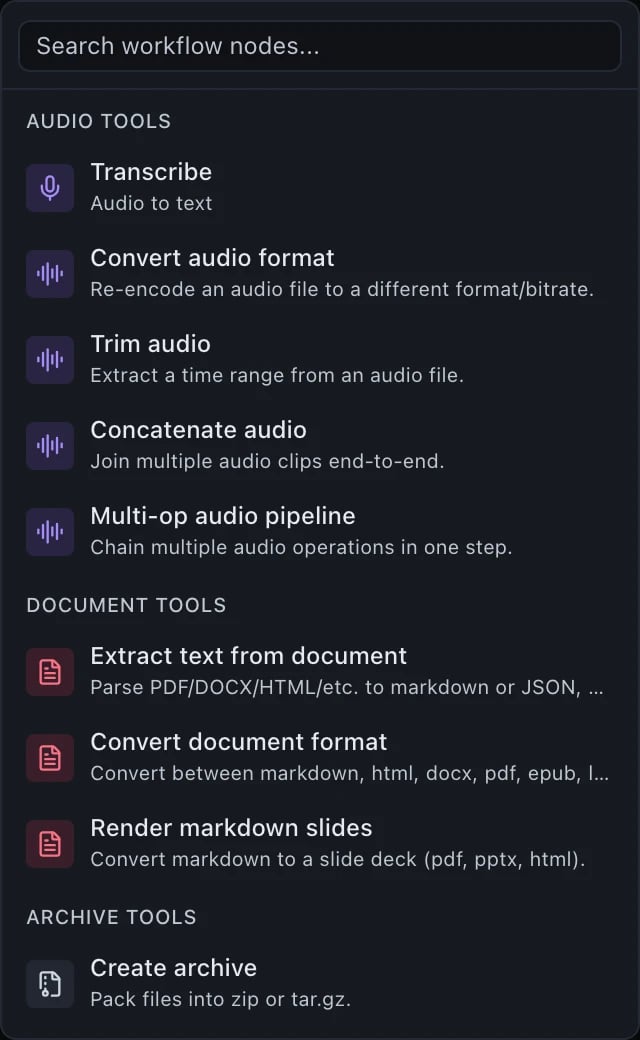
Audio tools
image.pipeline,
video.pipeline, audio.pipeline — one of the few places the older noun
survives, because it names an operation rather than a workflow.
Documents, archives, the web and code
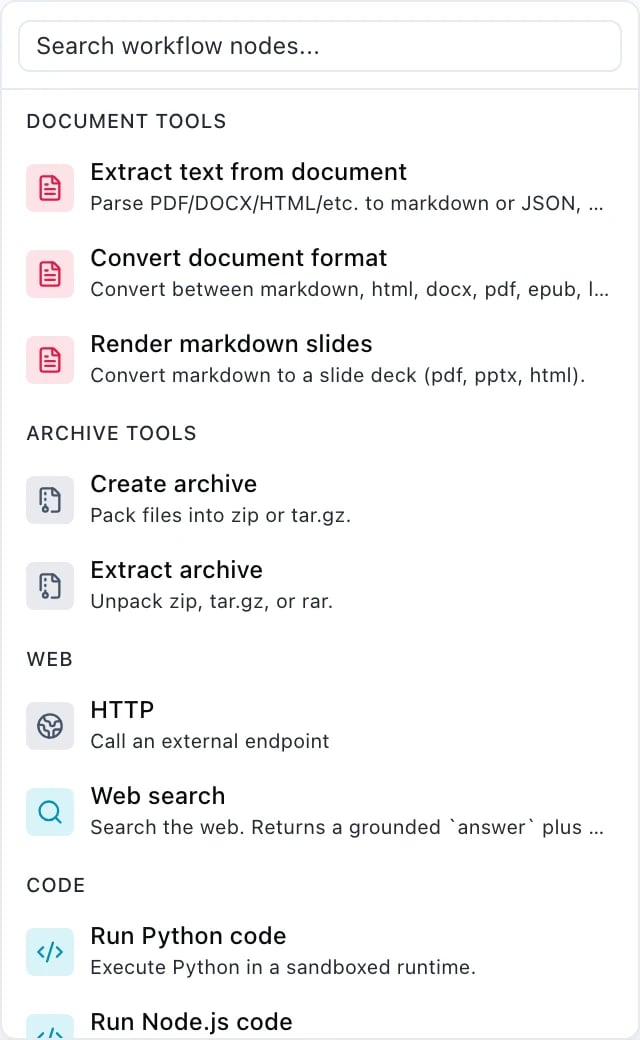
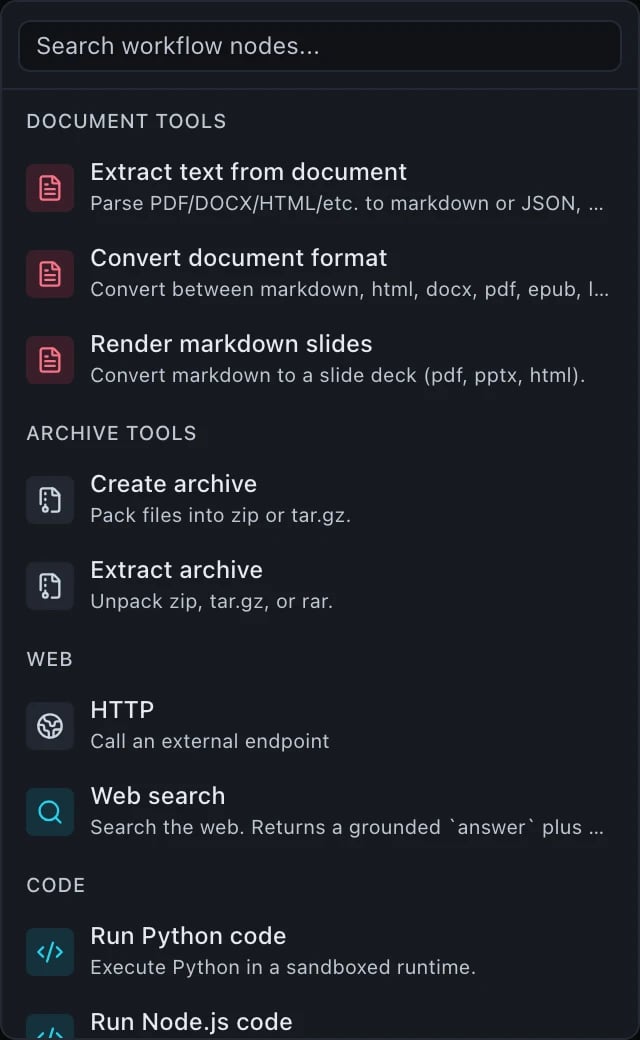
Document tools
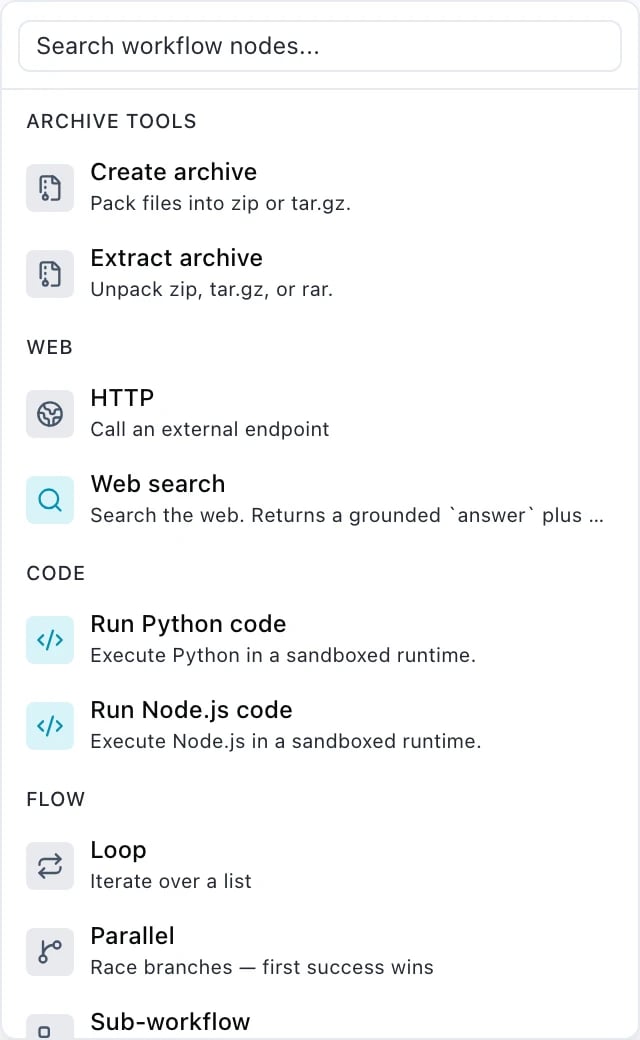
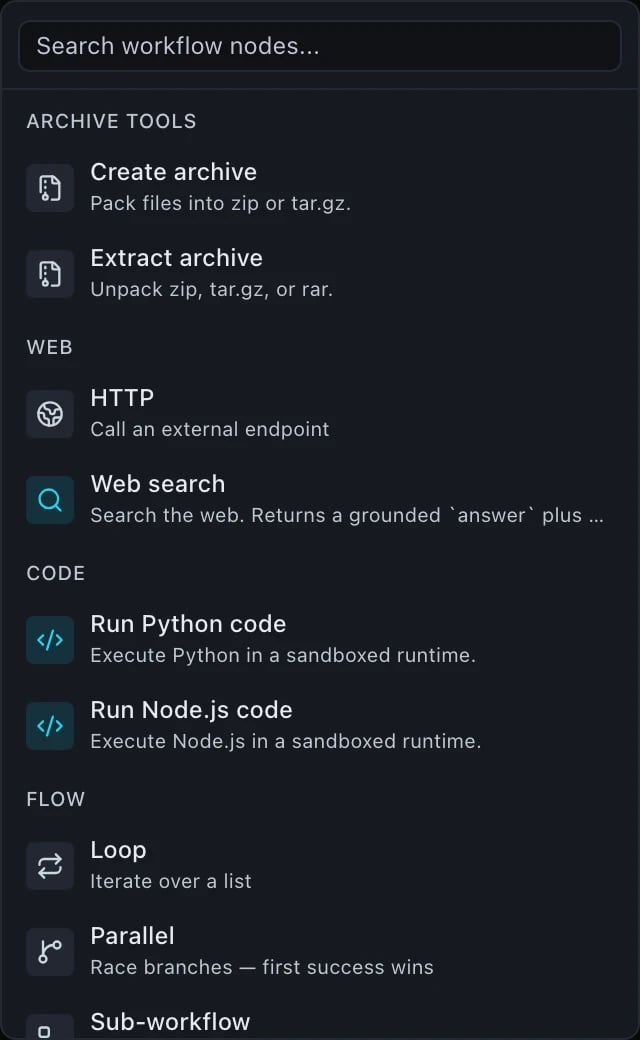
Archive tools
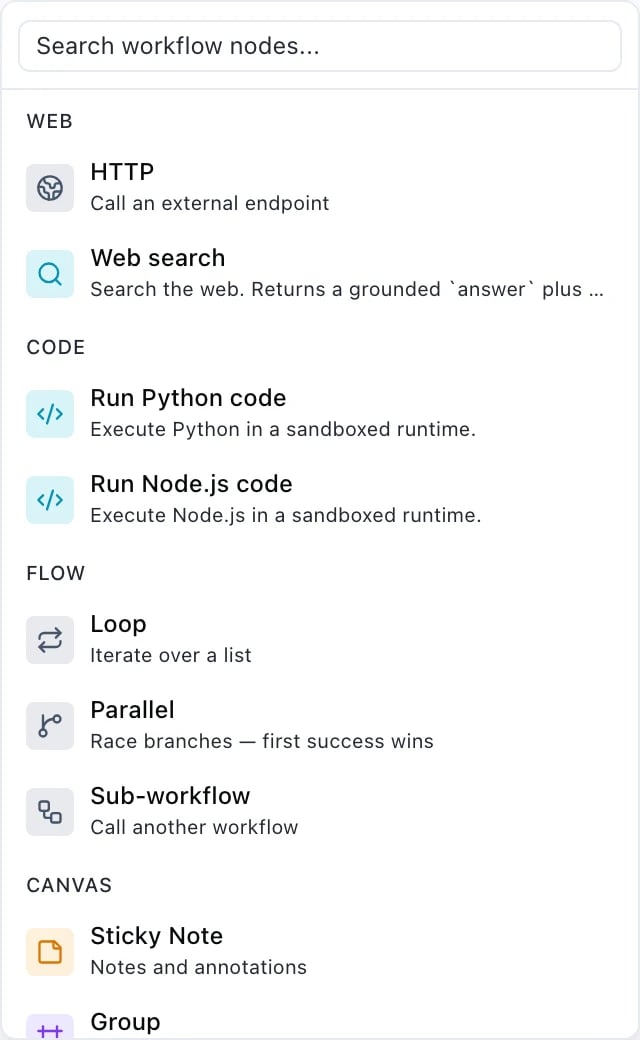
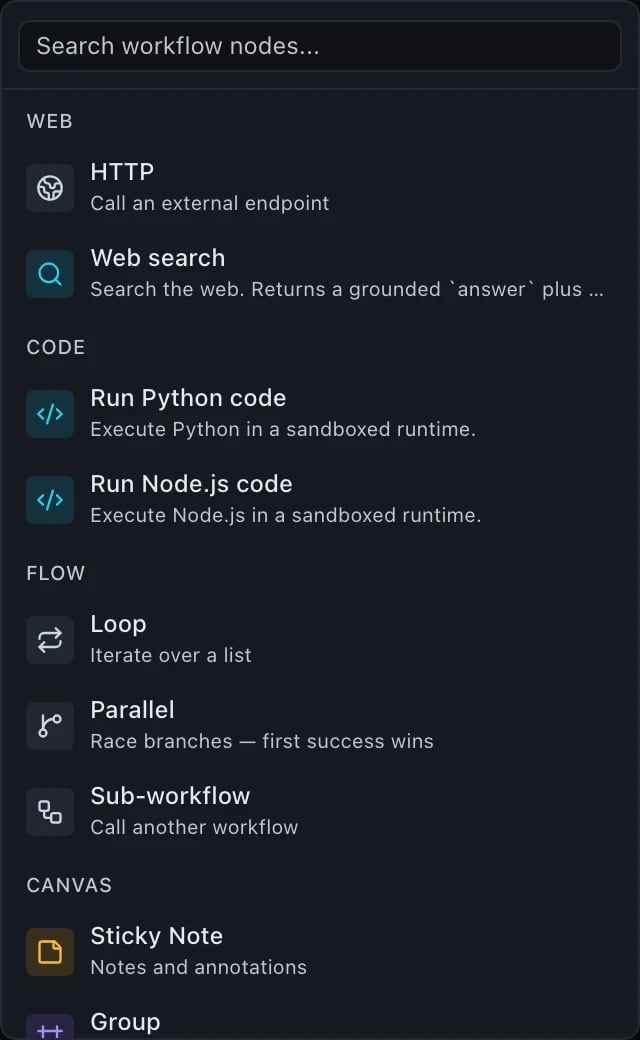
Web
http step and is the one to read the limits on before
you rely on it.
Code
Flow
Steps that hold other steps
foreach. Sub-workflow is sub_pipeline — the
one type whose JSON name still carries the old noun.
Canvas
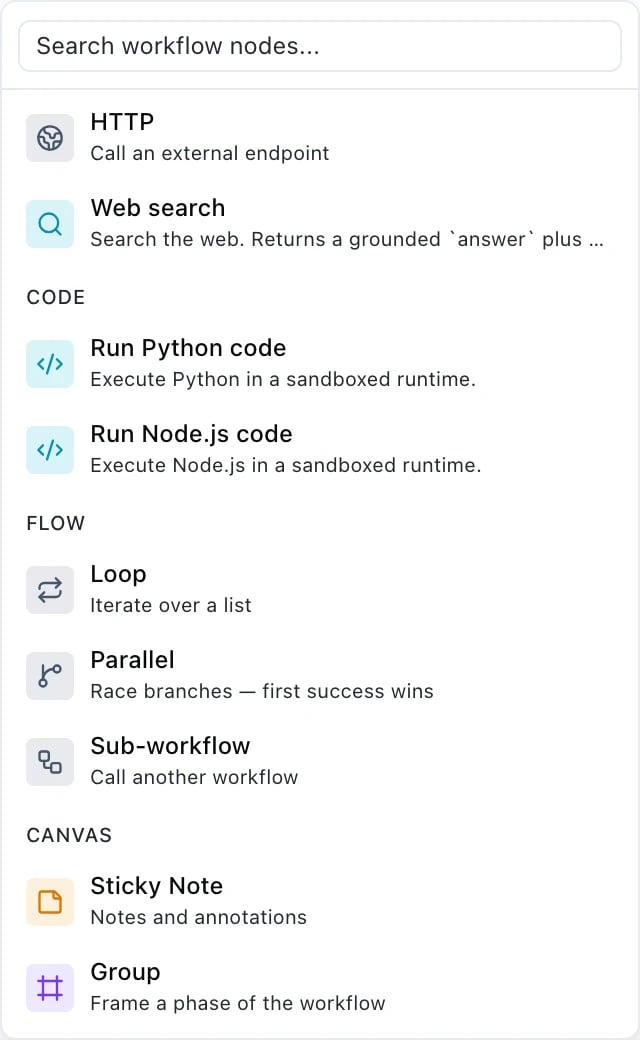
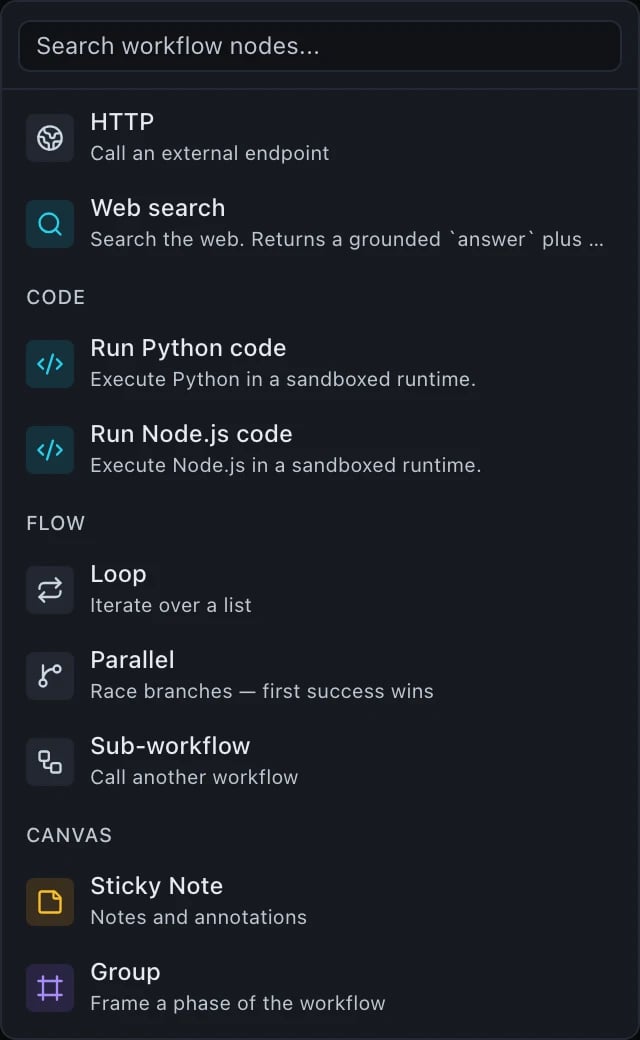
Annotations, not steps
ui section alongside node positions, so they travel with the
workflow and are ignored by the runner. Use them freely — a sticky note cannot
change what a workflow does.
Fields every step shares
timeout_seconds has no schema default. Each executor supplies its own fallback, and
the http step overrides the field entirely with a tighter cap of its own (see below).condition
A condition is evaluated before the step is dispatched. If it is false the step is marked
skipped with skippedReason: "condition_false", publishes null, and costs nothing.
{left, op, right}, or {left, op} for the two unary operators. Operands may
be strings, numbers, booleans, null or arrays of scalars, and a string operand is
resolved as a binding first.
Clauses combine with
{"and": […]}, {"or": […]} and {"not": …}, nested up to 16
levels deep.
An operand of the wrong type is not a validation error — it fails the step at run time with
invalid_condition, because the value only exists once bindings have resolved.
retry
Available on a step and on the definition as a whole. The step-level block gets first crack;
the workflow-level block is the outer fallback.
The default retryable list is
execution_timeout, input_fetch_failed, archive_failed,
worker_unavailable, worker_timeout, worker_stalled.
Some codes are never retried, whatever you list: invalid_pipeline_definition,
invalid_input, invalid_request, invalid_pipeline_input, unsafe_entry_path,
compression_bomb, entry_too_large, output_too_large, input_too_large,
unsupported_format, entries_limit_exceeded, runtime_error, output_parse_failed,
unsupported_language, unauthorized, forbidden, no_wallet, insufficient_credits
and rate_limited. Retrying cannot change any of them, and each attempt would bill again.
model
A chat completion. input is the same body you would send to
POST /v1/chat/completions, minus model, which is the
step’s own field.
chat.completion object, verbatim. The text is at
${steps.summary.output.choices.0.message.content}.
The step output does not depend on whether the run was streamed — a streamed run assembles
the same object from the chunks. Fields the provider never sent are omitted, not
invented, so a binding to one resolves to undefined.
media
Image, video, audio or transcription generation. input depends on the model’s modality —
prompt, size, n, a reference image, and so on.
{ "url": "/v1/files/<id>/content", "file_id": "…", "modality": "image", "provider": "…" },
plus an artifact handle beside it. Chain it with ${steps.hero.outputRef} — see
Bindings for why output.url is not the right
spelling for a downstream step.
Transcription is the one modality that publishes no artifact handle; its deliverable is
${steps.<id>.output.text}.
The inspector’s Format control writes input.format_preset and nothing else — naming a
platform placement instead of an aspect ratio. The ratio, and for video the duration ceiling,
are derived from it at run time against the model actually chosen, so the same step keeps
working when you swap the model. An aspect_ratio you set yourself still wins. See
Publishing formats for the list and for what happens when the
model cannot produce the shape you asked for.
three_d
Generates or transforms a mesh — text-to-3D, image-to-3D, or mesh-in for rigging,
remeshing and retexturing. A step of its own rather than a widened media: the 3D
catalogue includes models that take a mesh as input, a shape media’s prompt plus
an optional conditioning image has no room for.
input needs at least one of prompt, image_url or mesh_url — which ones a
given model accepts depends on the model: text-to-3D takes a prompt, image-to-3D an
image, and rigging or retexturing an existing mesh. seed is optional. model must
be an object_3d-modality model, refused with model_not_object_3d otherwise; a
missing prompt/image_url/mesh_url is refused with object_3d_input_required,
before any credit hold is taken.
Output: { "url": …, "file_id": …, "modality": "object_3d", "content_type": …, "provider": … },
plus an artifact handle — chain a following step’s mesh_url input to
${steps.<id>.outputRef}, the same convention media uses.
Capability steps
Any of the 31 capabilities is a step type in its own right. Fetch the full list, with JSON Schema forinput and params, from GET /v1/tools.
A capability’s inputs are split across
input and params, and which one holds a URL
varies: image.composite takes params.overlay_url, and archive.pack takes
params.entries[].sourceUrl with an empty input. Bindings resolve in params exactly as
they do in input. Read the capability’s own schema from GET /v1/tools rather than
guessing.
The three composite capabilities — image.pipeline, video.pipeline, audio.pipeline —
chain operations inside a single step. params.operations holds 1 to 10 entries; the
ceiling is published as maxItems on the capability’s params_schema.
http
Call an external API. This is the only step type where ${secrets.…} resolves; a secret
reference in any other step’s input is refused at write time.
Output:
{ "status": …, "headers": {…}, "body": …, "duration_ms": …, "truncated": … }.
A JSON content type is parsed; text/* and form-encoded bodies arrive as a string; anything
else fails the step with unsupported_response_type.
An http step costs 1 credit, whatever it fetches.
Requests to private, internal or link-local addresses are refused with ssrf_blocked.
Secret values are redacted from logs and from any error snippet.
sub_pipeline
Invoke another stored workflow once, as a step.
pipeline_version is required — there is no implicit “latest” — so a published parent
cannot silently change behaviour when the child is revised.
Output: the child workflow’s own output object, passed straight through. The step
publishes no artifact handle of its own.
Chains are limited to a depth of 3, enforced at run time. A cycle between workflows is
refused when the definition is saved, and when an inline definition is passed to
/v1/workflows/estimate.