

1. Create an account
Sign up at app.infery.ai/register. Onboarding walks you through a workspace, a plan and an API key — and includes a card-verification step (no charge) that unlocks 50 trial credits, enough to try chat, a few images and some voice. Skip that step and you start at 0 credits instead.2. Open the Studio
Once you’re in, the Studio is the first screen you see.- Type a prompt in the input at the bottom, pick a model (default: auto-routed) and press Enter.
- Switch between Chat · Generate Image · Text to Speech · Speech to Text · Generate Video · Generate Music at the top.
- Drop a PDF, image or audio file on the message box to attach it.
3. Create an API key
Go to API Keys (main navigation) and click Create key. Give it a name (“Production”, “Local dev”), copy the plaintext key — it’s only shown once. API keys look like:4. Make your first API call
Our gateway is OpenAI-compatible. Point the OpenAI SDK athttps://api.infery.ai:
credits_used
field carrying the cost in credits — inside the final SSE chunk instead, when
streaming.
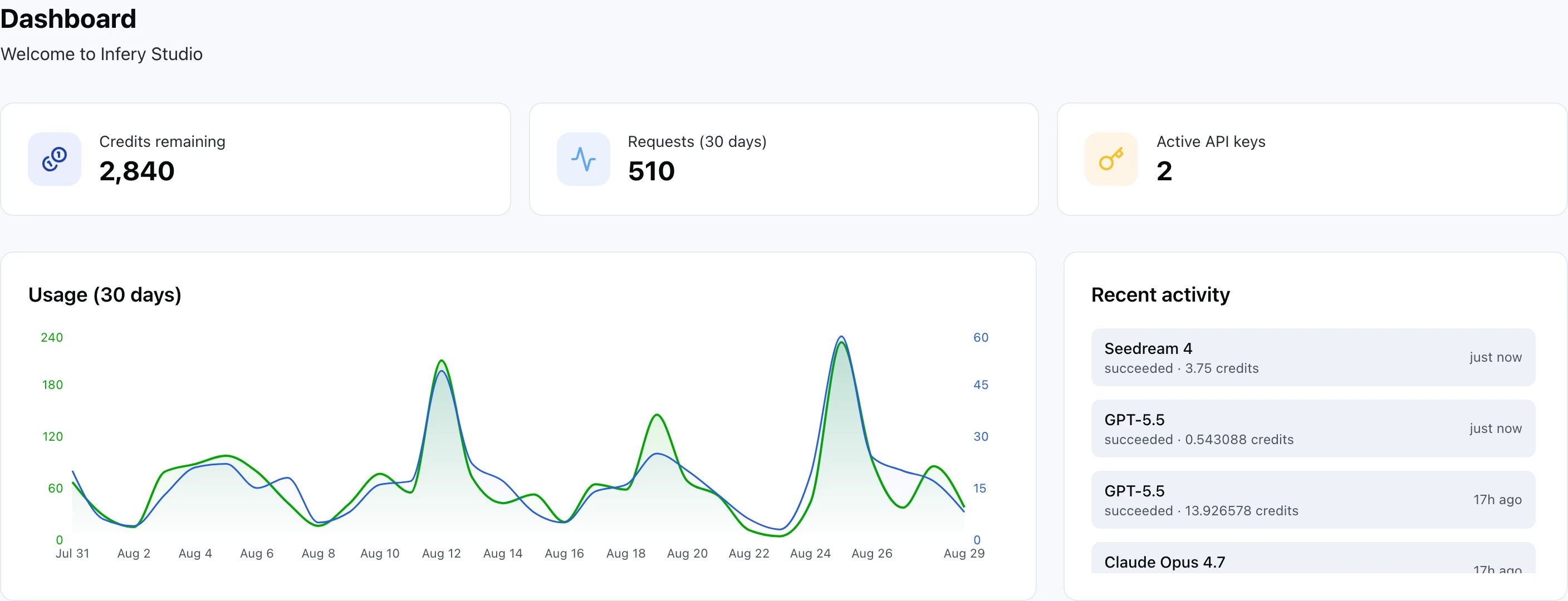
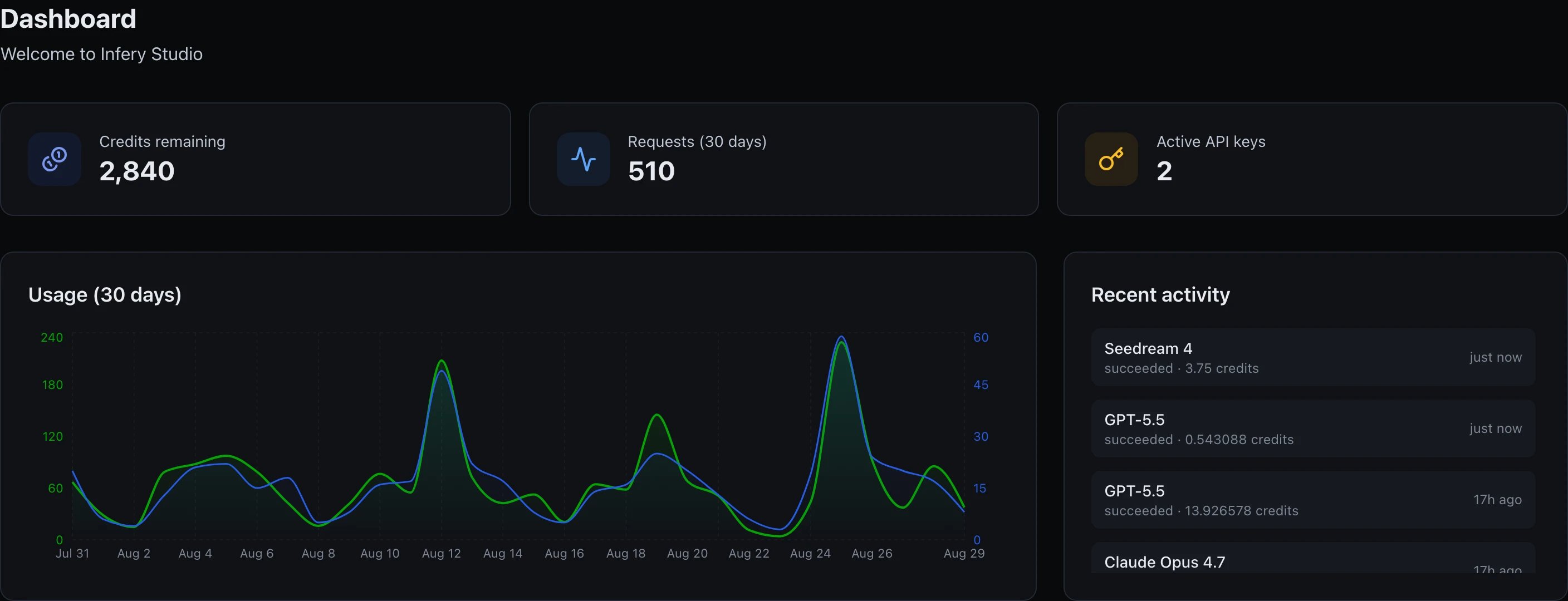
The dashboard: balance, 30-day volume, and recent activity
5. Explore
Add teammates
Invite, assign roles, keep billing people out of your Studio.
Set a budget
Get notified by email when spend crosses a credit threshold you set.
Upload reusable files
POST /v1/files once, reference them by file_id forever.Set up fallbacks
Route to a backup model automatically when the primary rate-limits.