

/v1/chat/completions
call at a time, a workflow gives you:
- One round trip. A ten-step workflow is one HTTP request, not ten.
- Bindings. A step reads an earlier step’s output by path — no glue code.
- Artifacts that stay put. An image a step generates is re-hosted in your workspace and handed to the next step by reference, never re-uploaded by you.
- A cost estimate before you run it.
POST /v1/workflows/estimateprices a definition without executing it.
Creating one
In the dashboard, + above the workflow list offers two starting points.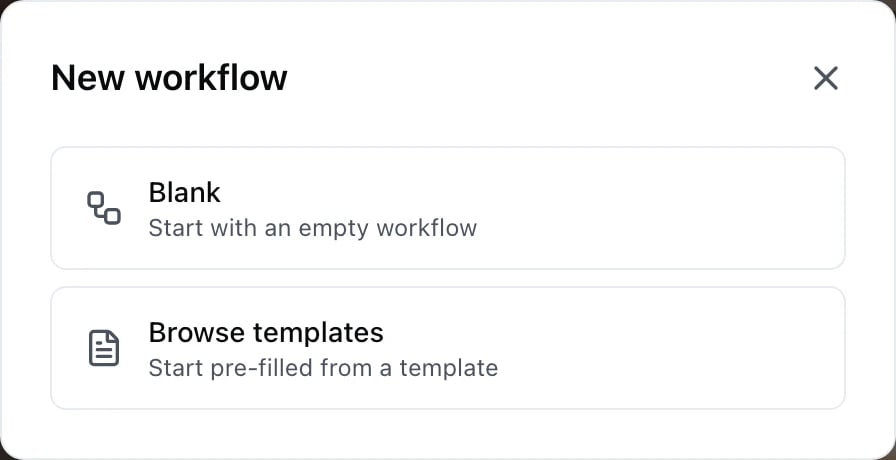
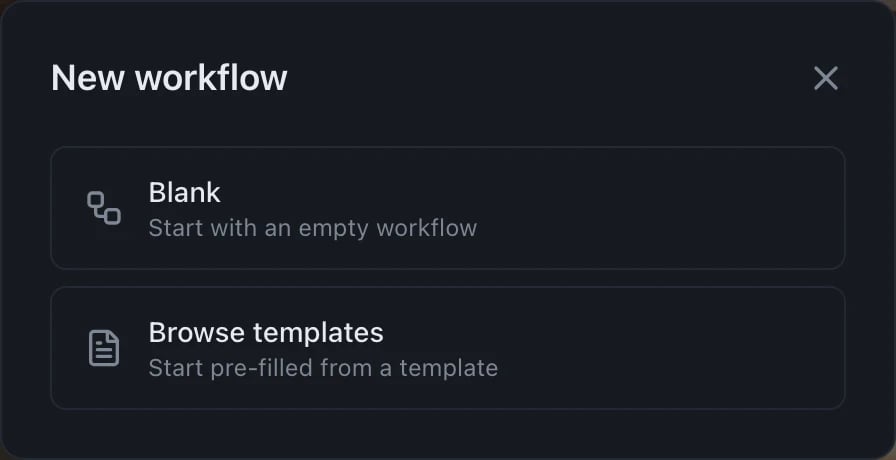
The two ways to start
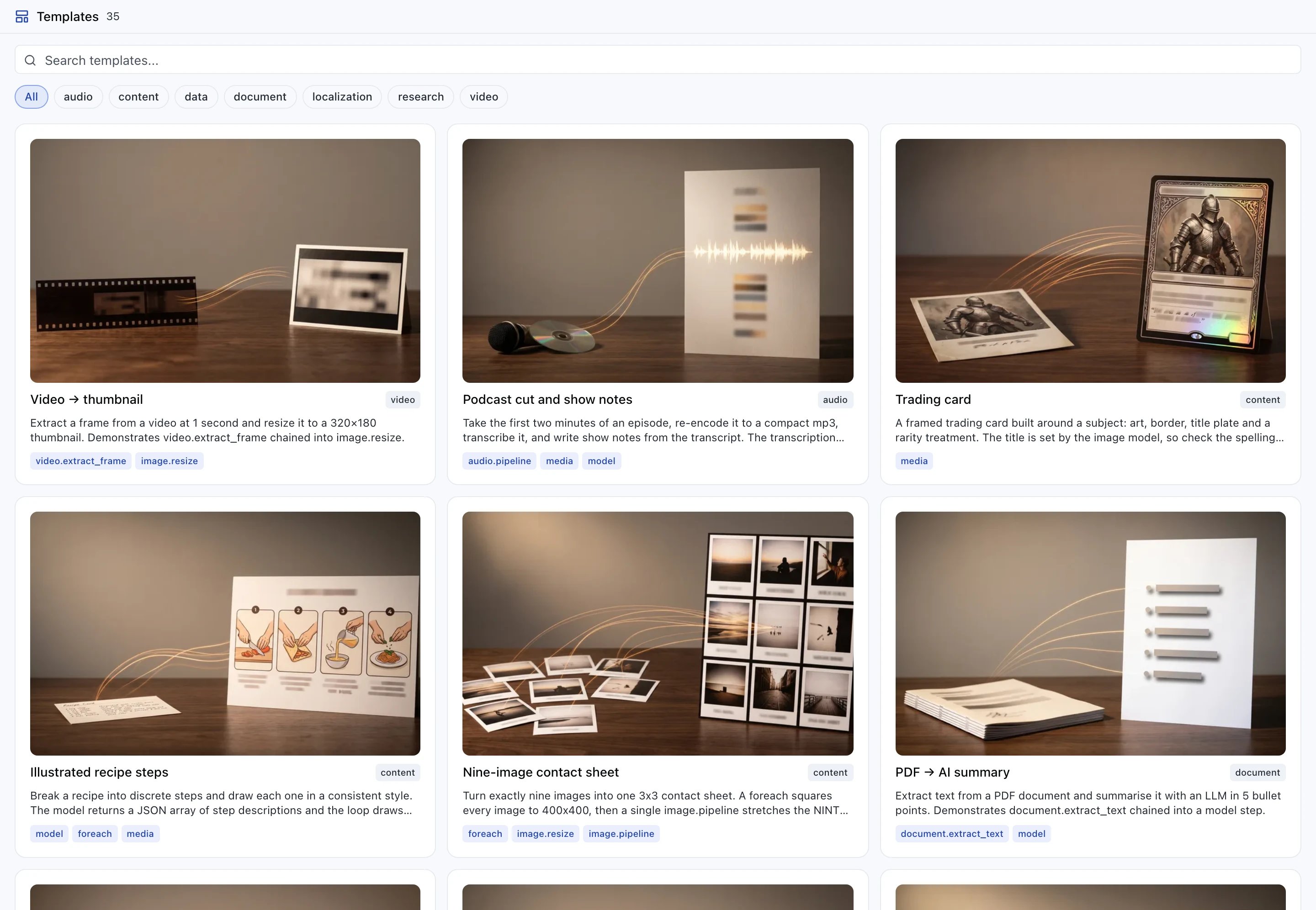
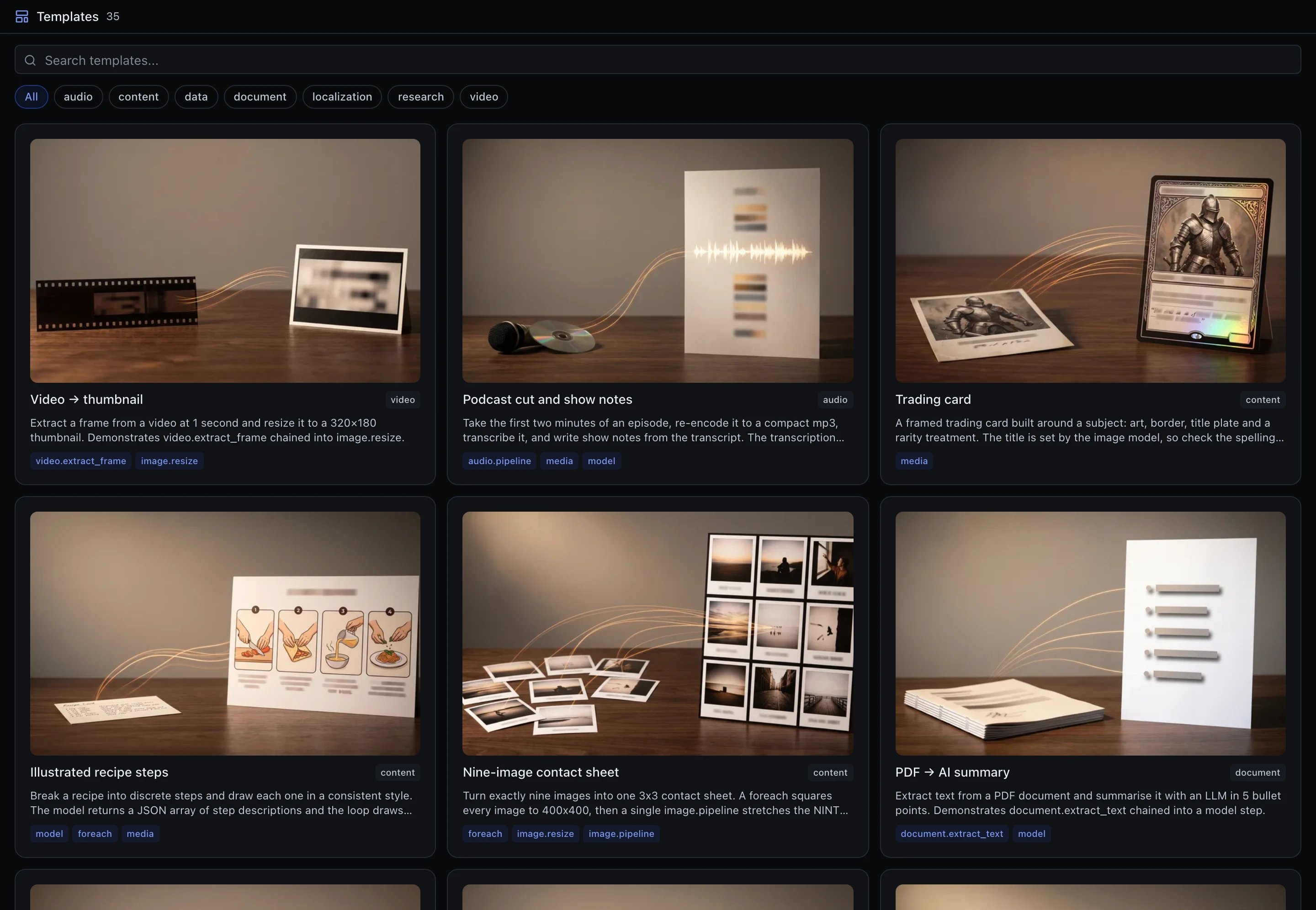
The template gallery: each card names the step types it uses
web.search,
model, foreach, code.run_python. They are the fastest way to find a worked
example of a step you have not used before: pick the template that carries the
tag, open it, and read what it does with it.
A template is copied into your workspace, not linked. Editing your copy changes
nothing for anyone else, and the template does not change under you later.
Through the API, the same thing is
POST /v1/workflows — and
GET /v1/workflows/templates lists the
same catalogue, with sample_input you can run a template with unchanged.
A minimal workflow
curl
The parts of a definition
The definition object is strict: an unrecognised top-level key is refused, not ignored.
Declaring run inputs
Every${input.X} reachable from the executable part of a definition must appear in
inputs, or the save is refused naming the ones that do not:
A definition may declare at most 50 inputs. The media types (
image, video,
audio, file) carry a URL or a workspace file id — both plain strings.
How outputs flow
Each step publishes its result under its own id. A later step names it with a binding:output is whatever that step type produces — an OpenAI
chat.completion object for a model step, {url, file_id, modality, …} for a media
step, {status, headers, body, …} for an http step. Step types
lists each one.
Top-level steps are ordered by their dependencies, not by the order you wrote them, so a
step may reference one declared after it. That is not true inside a foreach body or a
parallel branch — see Containers.
Independent steps run at the same time
A top-level step starts as soon as every step it reads has finished. Two steps that read nothing from each other therefore overlap, up to theconcurrency ceiling (default 5).
You do not need a parallel step to get this.
clip and music run together; scored waits for both.
Where to go next
Bindings
The
${…} grammar: paths, projections, fallbacks, artifact references.Step types
model, media, three_d, http, sub_pipeline and the 31 capabilities.Containers
foreach and parallel — scope, ordering and limits.Running a workflow
Sync, stream and async modes, plus cost estimates.