

Use cases
- Primary provider outage — OpenAI 429s during peak hours → fall back to Google Gemini Flash
- Cost-tier progression — try
gpt-4o, on rate-limit step down togpt-4o-mini, thengemini-flash - Capability routing — use a PDF-native model first; if unavailable, use a vision model with our PDF-to-image preprocessor
- Regional — EU customers fall back from an OpenAI model to a Google one hosted in EU
Setting up a chain
Settings → Fallbacks → Add Override, once for each fallback model you want in the chain, giving each one a priority. There is no in-place edit — remove an override and add it again to change it. Here is that page with two chains already configured, one source model each: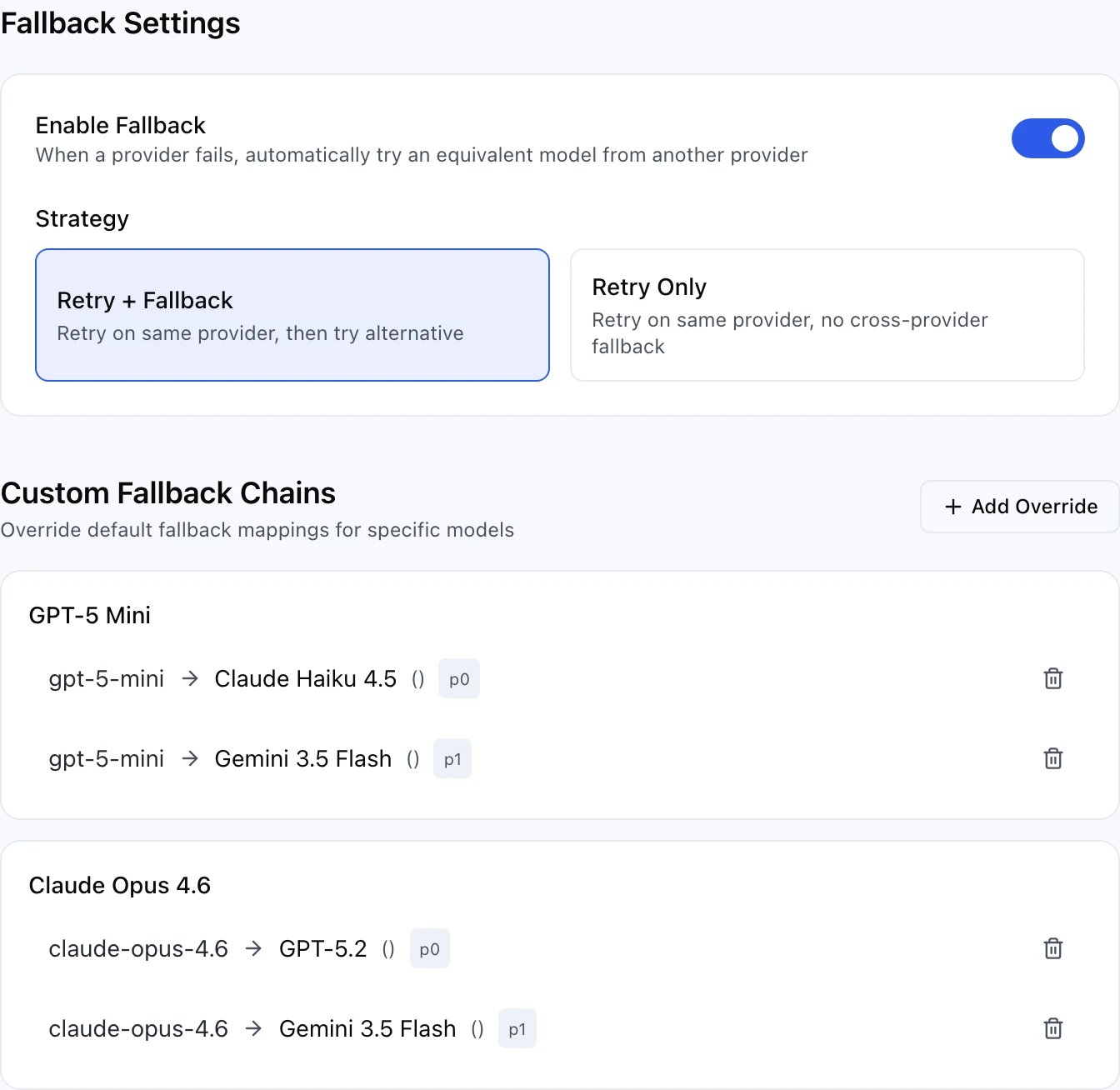
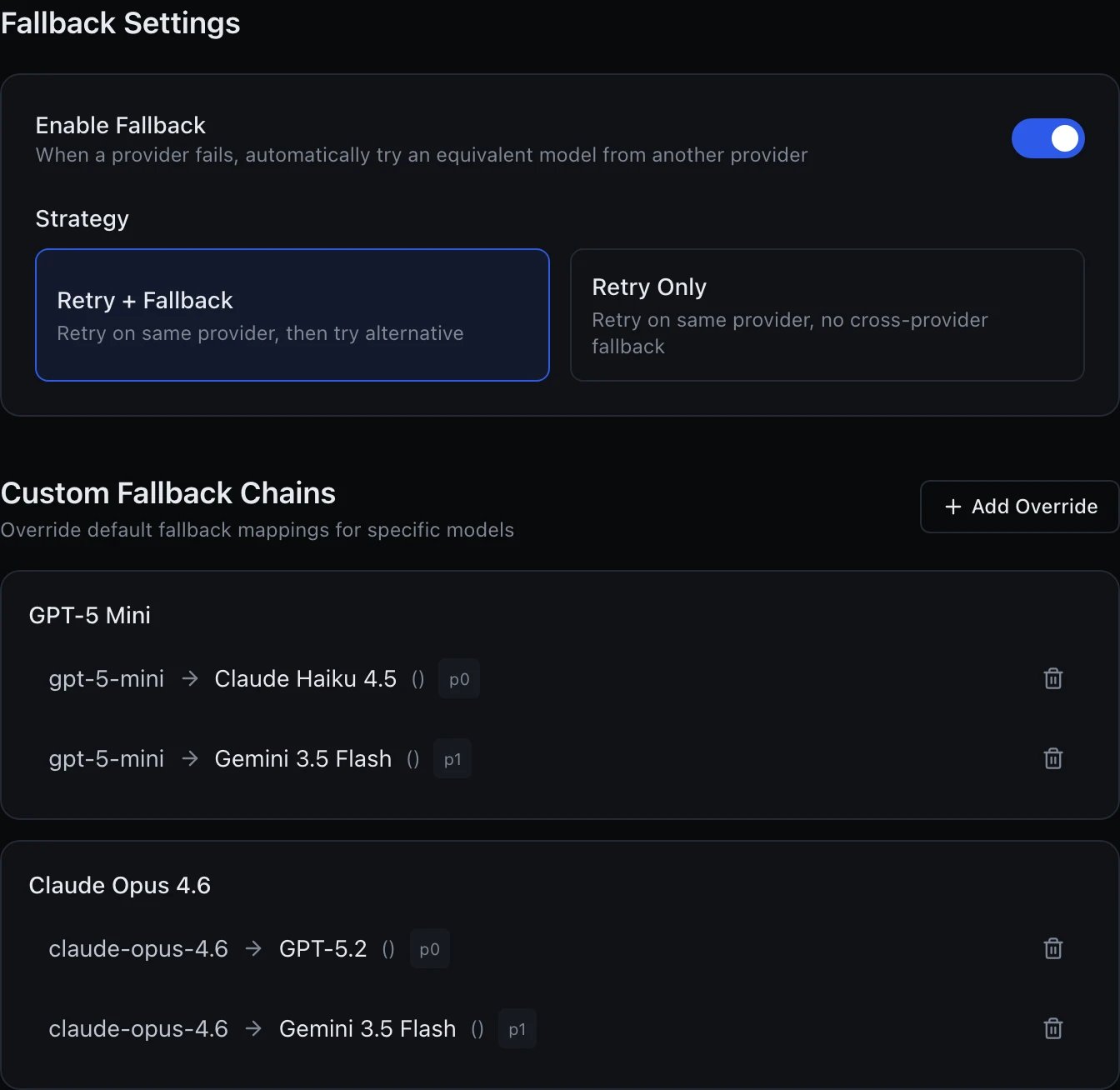
Two fallback chains, each routing its source model to two backups in priority order
When fallbacks fire
The gateway steps through fallbacks when the primary (or prior fallback) fails with one of:- the provider’s own
429(its rate limit, not yours) - the provider’s
500/502/503/504/408 - the provider’s
404/410— the model is gone from that source - Provider-specific errors tagged as retryable
- no answer at all — a host that does not resolve, a refused connection, a socket reset or
hung up mid-request, an upstream timeout. These are treated exactly like the
503the provider would have sent if it could
400 / 401 / 403 / 422 — a
bad prompt, invalid params, or a credential that is broken for every source. Advancing would
either bill the same mistake once per source or paper over an ops fault that failover cannot
fix. A request you cancelled stops there too: there is nobody left to answer, so a second
model would only cost you money.
Everything else (402, 413, and any status not listed above) does not retry the same
model’s other sources, but does move on to the next model in the chain — the request itself
is what the provider is unhappy with, so a different endpoint of the same model would not
help, but a different model might.
Not covered at all: your own workspace limits. 403 rate_limit_exceeded, 403 daily_tokens_exceeded and 403 insufficient_credits are refused before a source is chosen, so there is nothing to advance to — see Rate limits.
Transparent to the caller
Client code doesn’t change. The response comes back in OpenAI format as normal, plus two extra headers:x-fallback-from is present only when a fallback fired, naming the model you originally
requested; x-model-used always names whichever model actually answered. Use them in
logs/analytics to see which fallbacks are active in production.
Cost accounting
The final model that served the request is billed. If fallback to a cheaper model succeeds, you pay the cheaper price. Rate-limit attempts don’t incur cost.Disabling fallback
There is no per-request override — fallback is a workspace-wide setting, in Settings → Fallbacks. Turn Enable Fallback off to stop the gateway from ever substituting a different model, or pick the Retry Only strategy to keep retrying the primary’s own source (useful for testing which primary is actually up) without ever falling through to a different model. The same two switches are on the API asPATCH /workspaces/{id}/fallback-config
with { "enabled": false } or { "strategy": "retry_only" }.