

Chats
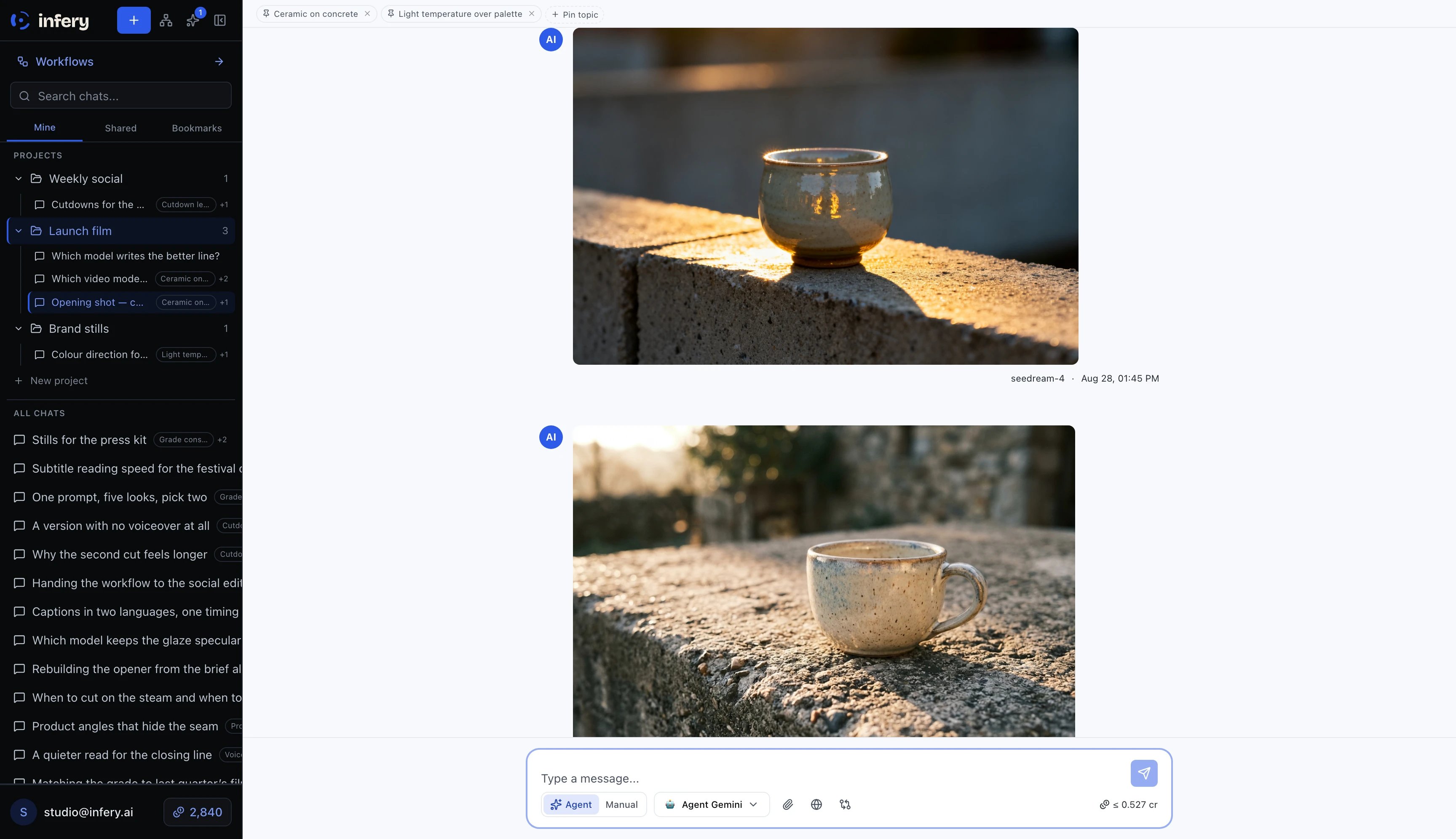
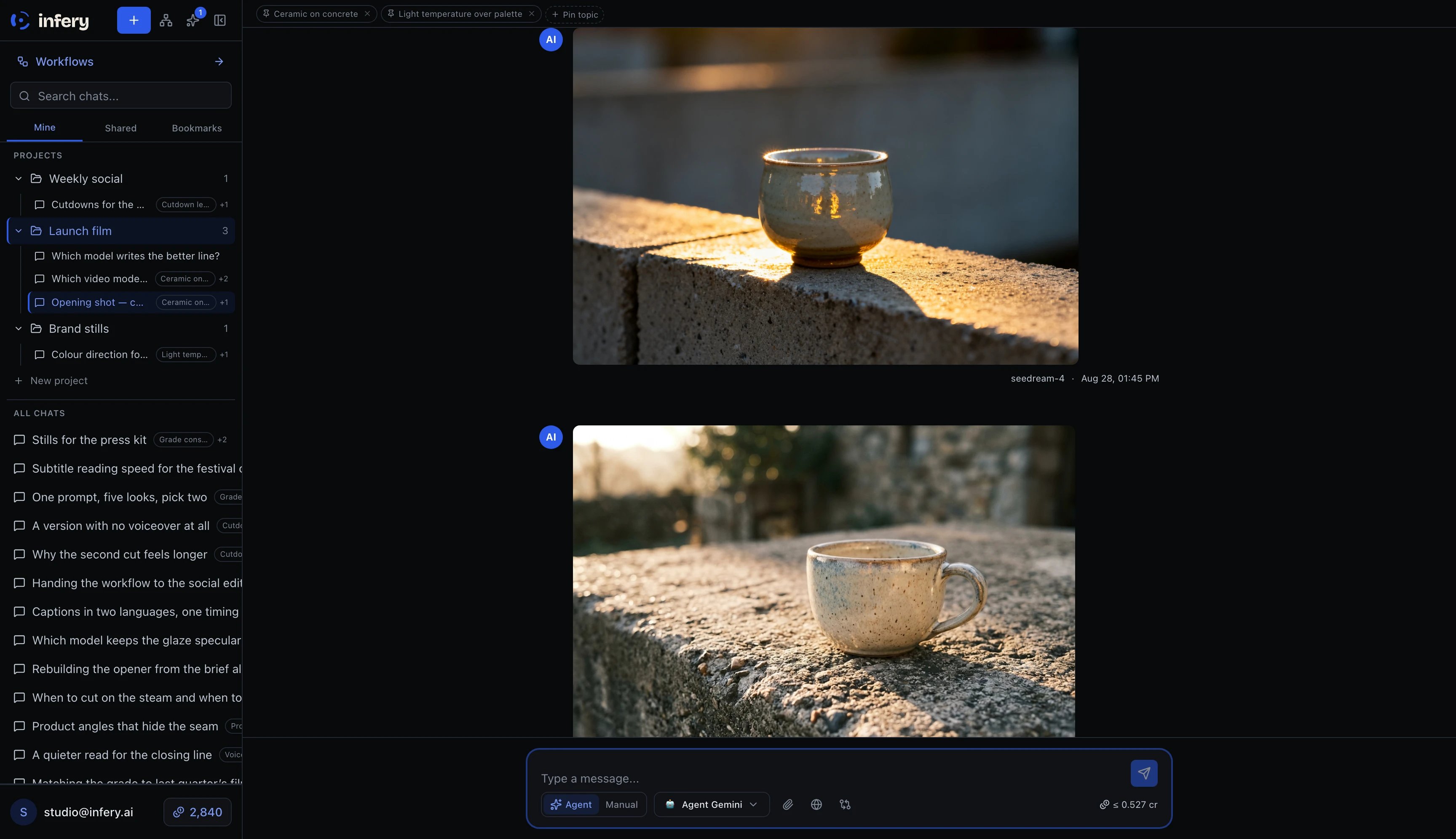
A chat: the thread in the middle, your chats and projects on the left, and the model, mode and running cost along the composer
- An auto-generated title (from the first user message)
- A model (can change mid-conversation)
- Optional system prompt
- A sharing scope (private · workspace · users)
- A creator (you, unless forked from someone else’s chat)
Actions on a chat
- Fork — copy a chat at a specific message. Useful for branching off “what-if” directions without losing the original.
- Move to project — pick a project from the chat’s ⋯ menu (Move to…) to file it there, or Remove from project to send it back to All chats.
- Rename / delete — on the chat menu (owner only)
- Make temporary — won’t appear in history (useful for throwaway experiments)
Projects
A project is a folder for related chats. Projects carry default settings:- Default system prompt — applied to every new chat (chat can override)
- Sharing scope — chats inherit unless they set their own
Cascading sharing
Sharing is set per-project, and chats inherit:- Project scope =
workspace→ every chat inside is visible to the workspace (unless the chat overrides toprivate) - Project scope =
users [A, B]→ only members A, B see the project and its chats - Chat overrides parent scope if set