

Roles
Only one owner per workspace (workspace creator). Transfer ownership via Settings → Members →
⋯ menu.
Inviting
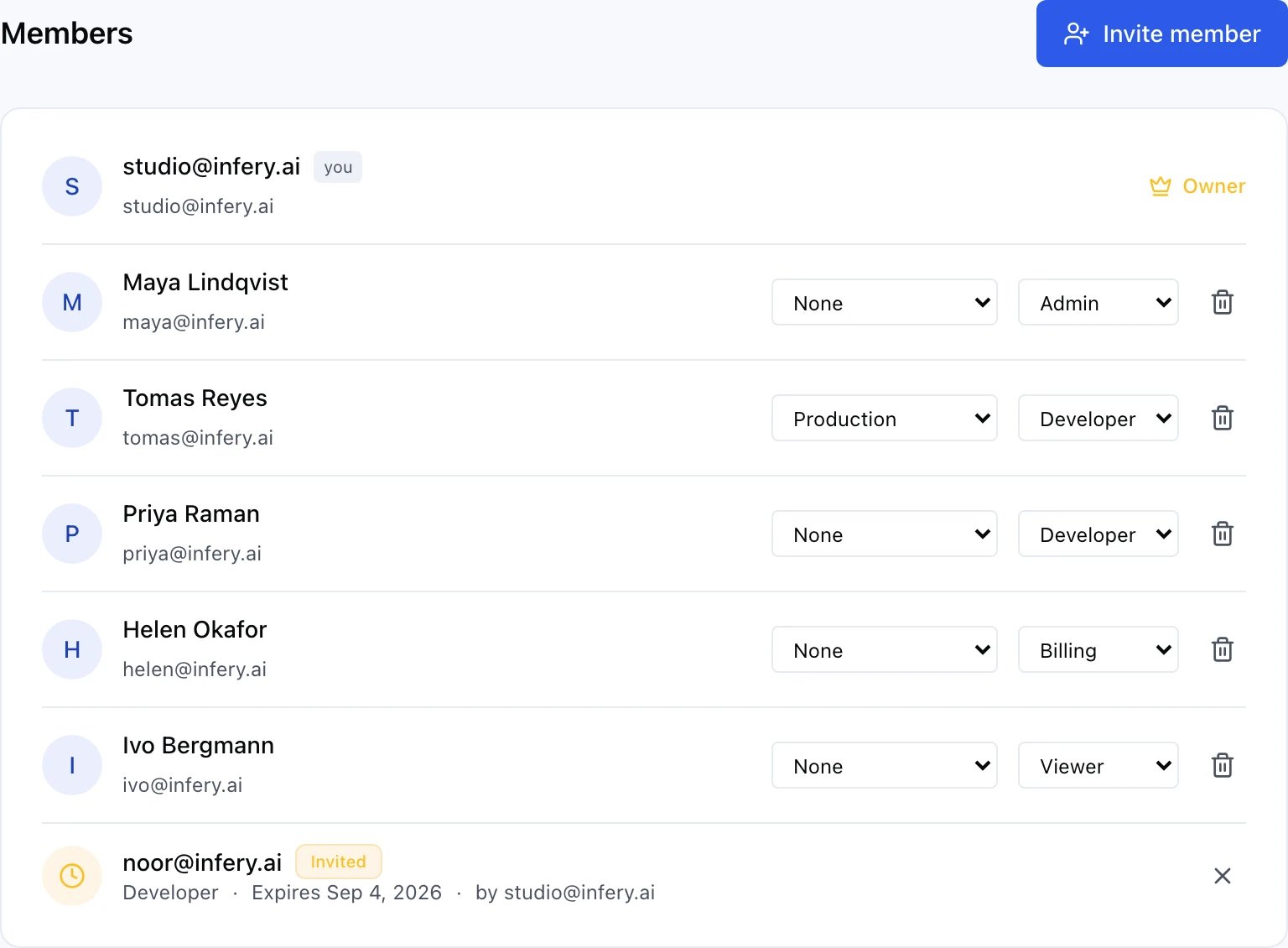
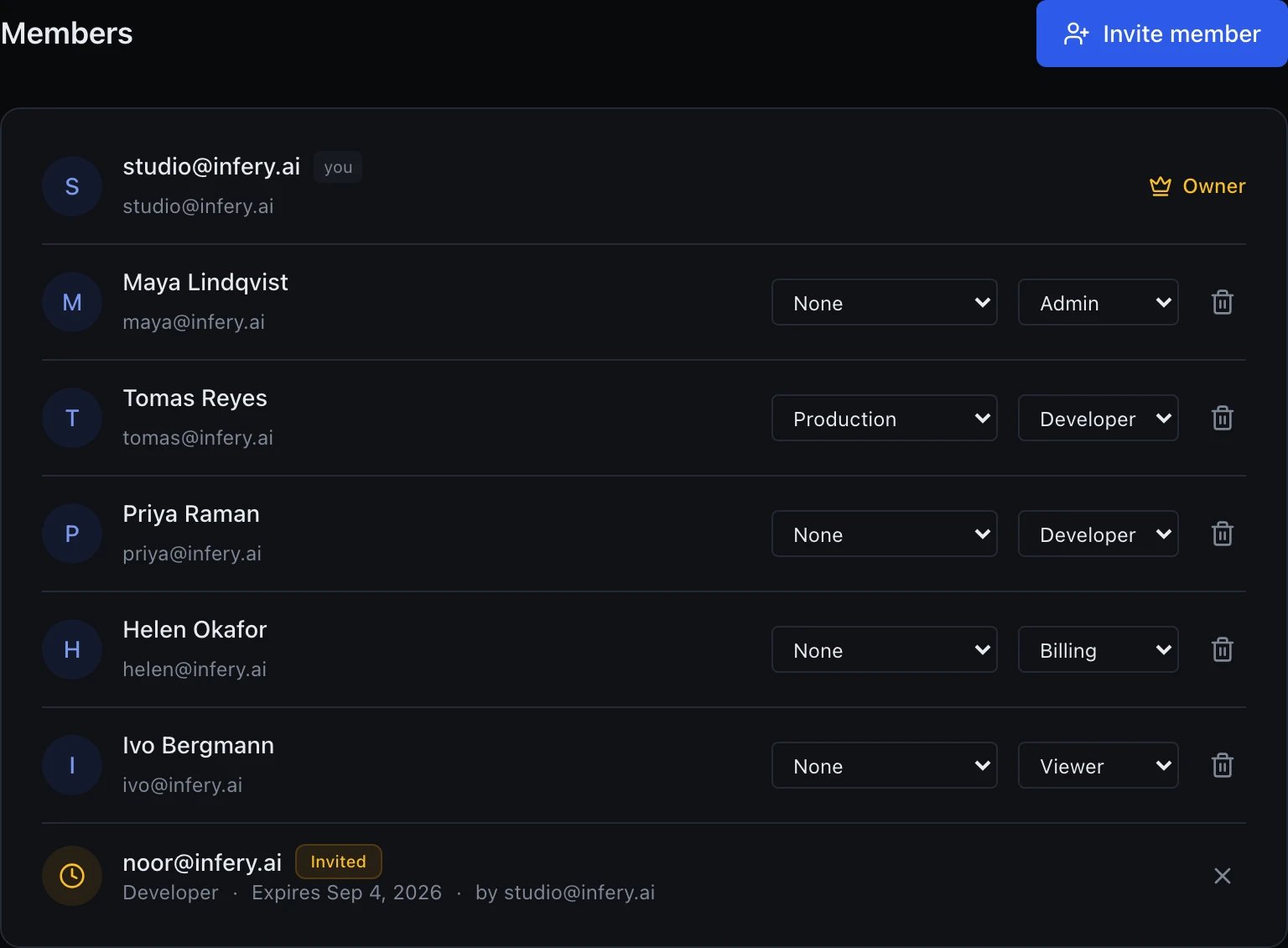
The members list: names, roles, each member's quota preset — and the invitation still waiting
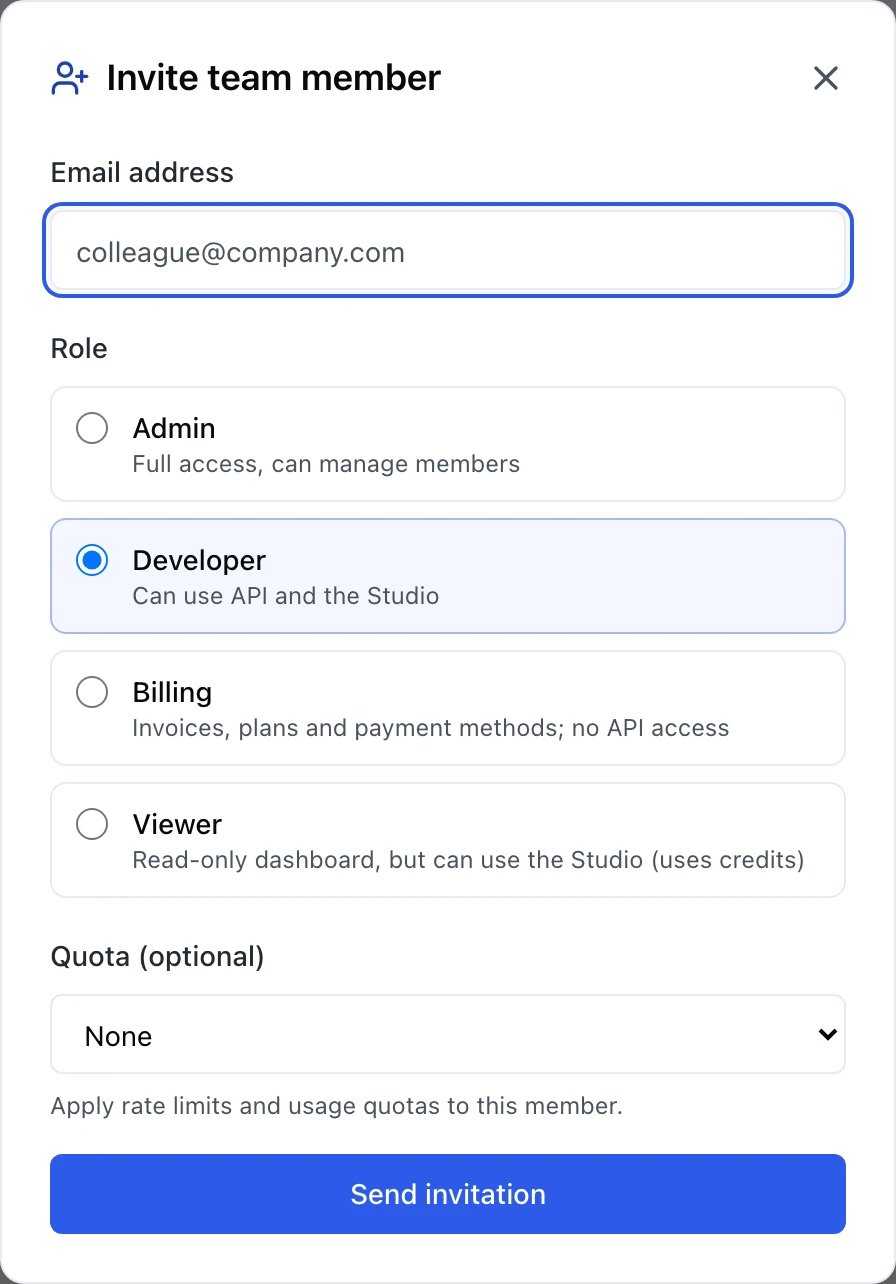
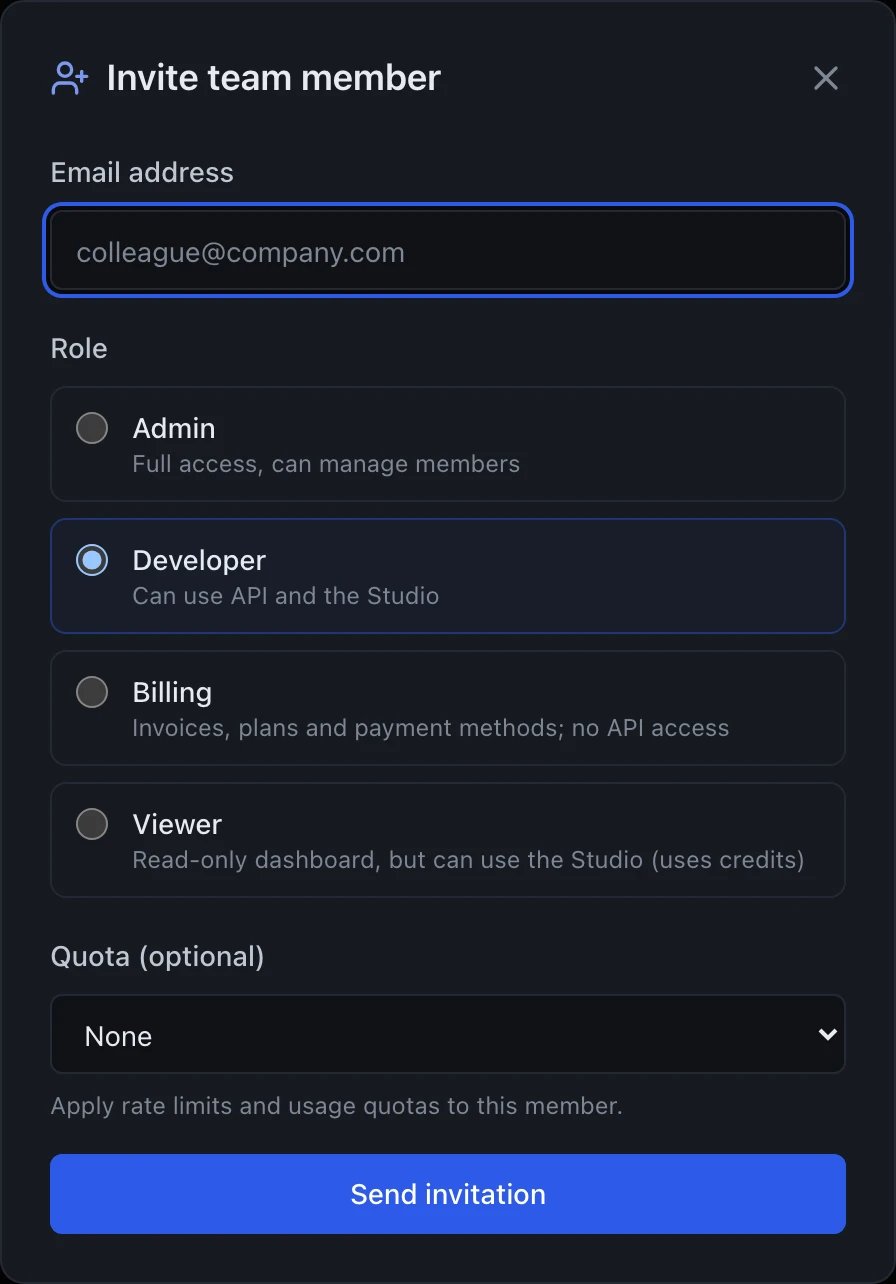
Inviting someone: the role decides what they can reach, the quota decides how much
Billing role
The Billing role combines financial access with basic product use:- Can view and change the plan, purchase topups, update payment methods
- Can manage budget alerts and view usage
- Can use Studio (own chats only)
- Cannot manage API keys or Files
- Cannot see other members’ chat content
Developer role
Developers manage their own API keys. They can’t see or revoke keys owned by Admins or other Developers. Quotas set at the plan and member levels still apply.Changing roles
Owner and Admins can change roles via the member row⋯ menu. Role changes take effect immediately (their current session refreshes).
Removing a member
Settings → Members →⋯ → Remove. Removed members:
- Lose access to the workspace immediately
- Their API keys are revoked
- Their chats remain (owned by the removed user for attribution) — Admins can fork or delete