Everything in the Studio — chats, projects and the files attached to them — can be shared with fine-grained control.

Sharing a chat

Open the chat’s ⋯ menu on its row in the sidebar and choose Share. The menu is the owner’s: if someone shared a chat with you, your menu offers Leave chat instead, because sharing is not yours to change.
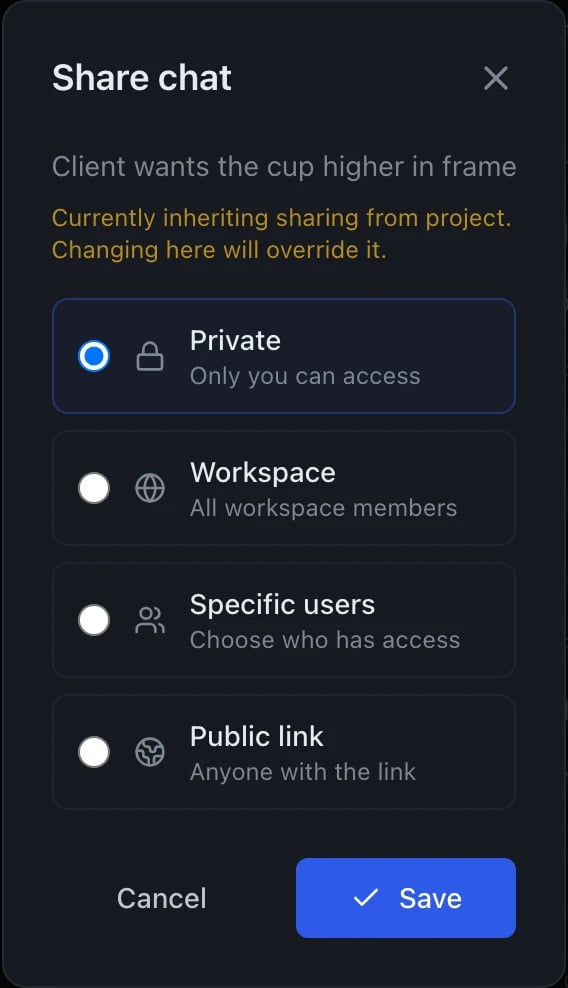
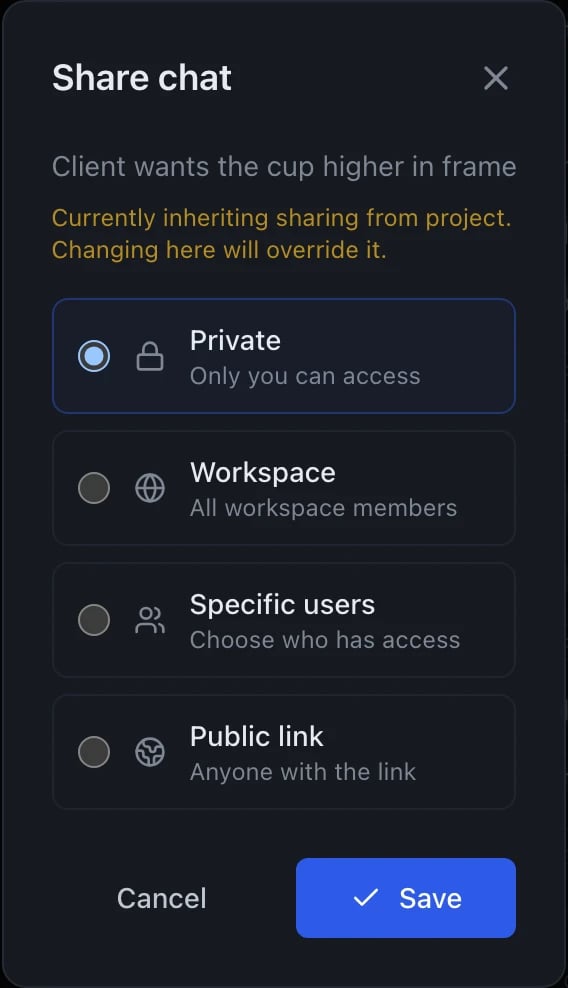
A dialog headed Share chat with the chat's name beneath it, and a note that sharing currently inherits from the project and that changing it here will override that. Four options are listed as radio choices: Private, only you can access, currently selected; Workspace, all workspace members; Specific users, choose who has access; and Public link, anyone with the link. Cancel and Save buttons sit at the bottom.

The sharing dialog, opened from the chat's row menu. The chat being shared is named under the heading; the dialog uses the same dark surface in both themes.

Pick a scope, set the permission if the scope has one, and Save. Nothing changes until you save.

Scopes

Public link leaves the workspace. Anyone with the URL can read the chat without an account, so treat it as publishing rather than sharing. It is offered for chats only — projects and workflows cannot be made public.

Permissions

Workspace and Specific users carry a permission:
  • read — can view messages and files, cannot reply
  • write — can send messages, which spend the workspace’s shared credit balance
You set a default for the share, and can then override it per person — one reviewer with write, everyone else read. On a shared chat’s row in the sidebar a small r or w shows which one you were given. Private has no permission to set, and a public link is always read-only. Only the owner can change sharing, rename, or delete — no permission grants those.

Sharing one message

A whole thread is often more than you want to hand over. Each message has its own share action, offering three things:
  • Copy link — the message’s address inside the Studio. It opens the chat scrolled to that message, for people who already have access to the chat.
  • Share this message publicly — a read-only public link to that one message.
  • Share chat from this message — a public link to that message and everything below it, for when the answer only makes sense with what followed.
Public links live at /s/<slug>. The same dialog lists every active public link on the chat and lets you copy or disable any of them — disabling is how you take something back, and it takes effect immediately.

Sharing a project

Projects support the same scopes except Public link. Every chat inside inherits — unless the chat explicitly sets its own scope. Example: Project “Marketing Copy” is workspace-shared. Chat “Q4 launch copy” inside it stays workspace-shared by default. You can override a single chat to private if you start drafting something sensitive.

Cascade to files

Files attached in a chat automatically inherit access through that chat. If you give Bob access to a chat and that chat has 3 image attachments, Bob can load and download them. If Alice uploads a file but never attaches it to any accessible chat, Alice is the only one who sees it.

Forking

Anyone with access to a chat can fork it — create a new chat owned by them, starting from any point in the thread. The new chat is private to the forker by default.

Bookmarks

Bookmarks are per-user: anyone with access to a chat can bookmark messages from it, and the bookmark appears in their own Bookmarks tab, not in everyone else’s.

Finding what is shared

The sidebar’s Shared tab holds what others have shared with you. A shared chat can be dismissed from your own view without affecting anyone else’s access.