> ## Documentation Index
> Fetch the complete documentation index at: https://docs.infery.ai/llms.txt
> Use this file to discover all available pages before exploring further.
# The workflow editor
> Build a workflow on a canvas: steps, wires, bindings, and the JSON underneath.
Everything in this section so far describes a workflow as JSON, because that is
what the API takes. The workflow editor is the same thing on a canvas — you drag steps,
wire them together, and it writes the JSON for you.
Open a workflow from the sidebar and it loads straight into the editor.
## The canvas
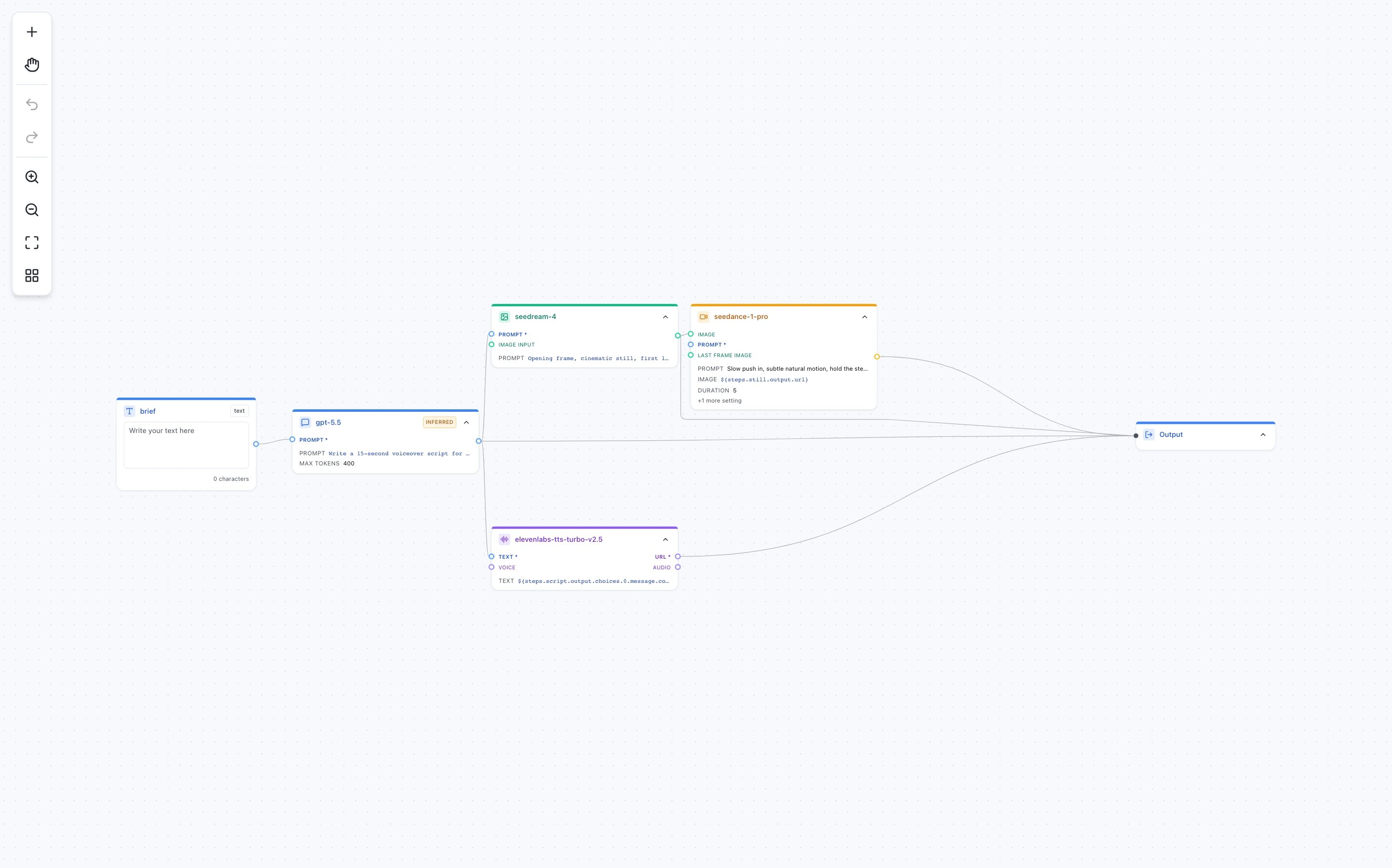
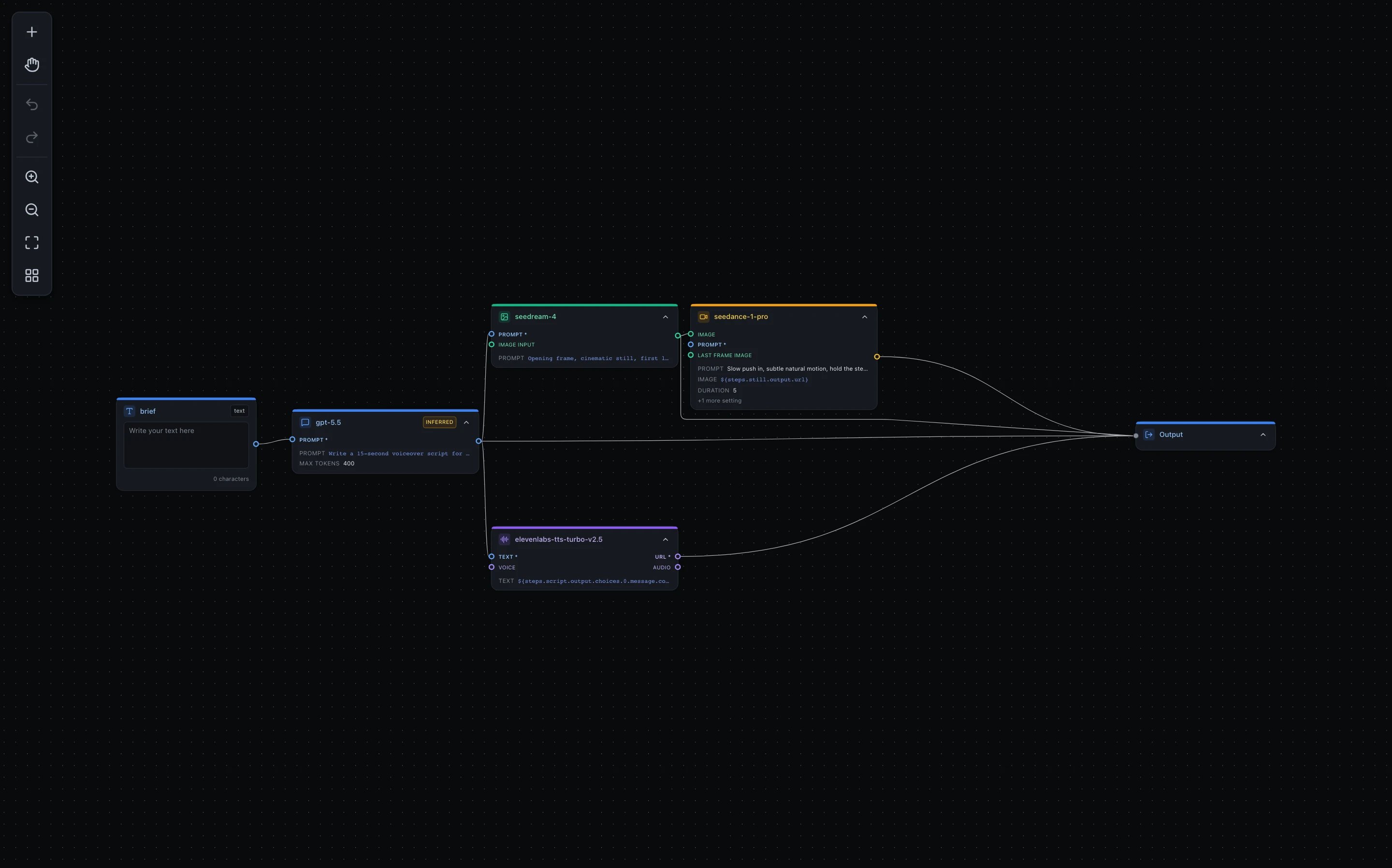 Three kinds of card, and the difference matters:
| Card | What it is |
| ---------- | ------------------------------------------------------------------------------- |
| **Inputs** | The values a run supplies — `${input.…}`. The `*` marks a required one. |
| **Steps** | The work: a model call, a capability like `web.search`, a container. |
| **Output** | What the run returns. A workflow with nothing wired here returns its last step. |
The little circles on the sides are **ports**. Drag from one to another to wire a
step's result into the next step. A wire is not decoration — it is what makes the
downstream step wait for the upstream one, and what puts `${steps.…}` in reach.
The toolbar down the left adds a node, switches between panning and box-select,
undoes and redoes, zooms, fits the graph to the screen, and lays it out
automatically.
## Configuring a step
Click a card to open the inspector.
Three kinds of card, and the difference matters:
| Card | What it is |
| ---------- | ------------------------------------------------------------------------------- |
| **Inputs** | The values a run supplies — `${input.…}`. The `*` marks a required one. |
| **Steps** | The work: a model call, a capability like `web.search`, a container. |
| **Output** | What the run returns. A workflow with nothing wired here returns its last step. |
The little circles on the sides are **ports**. Drag from one to another to wire a
step's result into the next step. A wire is not decoration — it is what makes the
downstream step wait for the upstream one, and what puts `${steps.…}` in reach.
The toolbar down the left adds a node, switches between panning and box-select,
undoes and redoes, zooms, fits the graph to the screen, and lays it out
automatically.
## Configuring a step
Click a card to open the inspector.
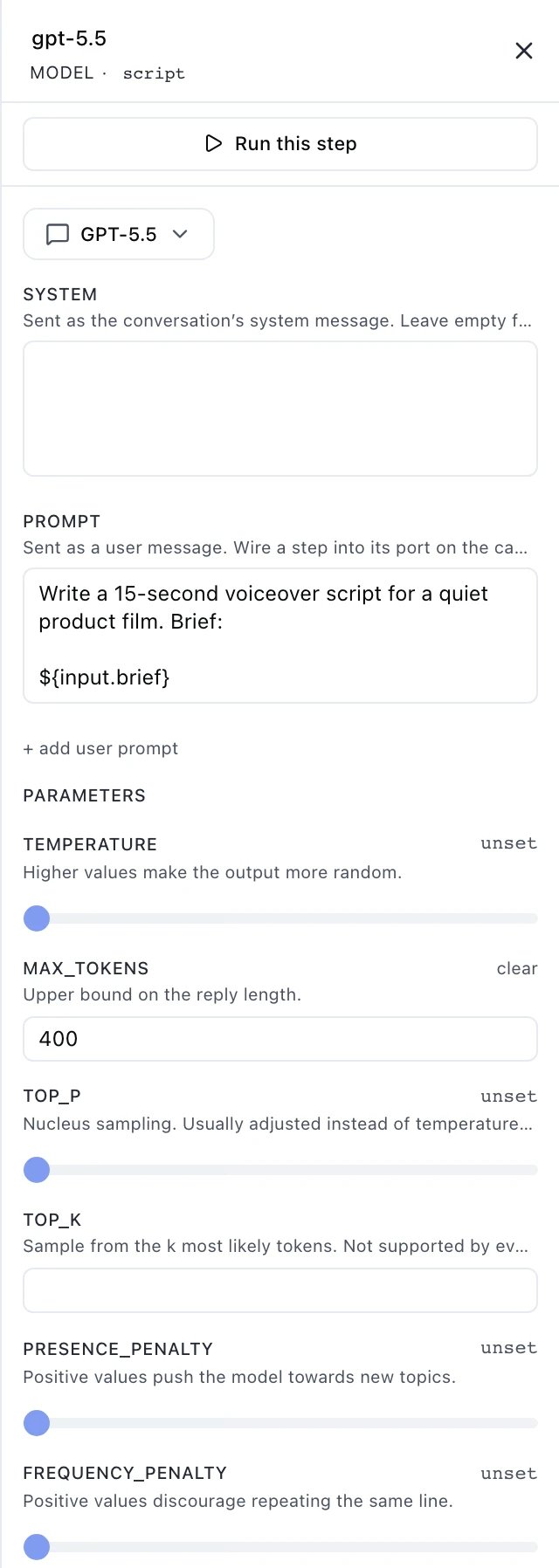
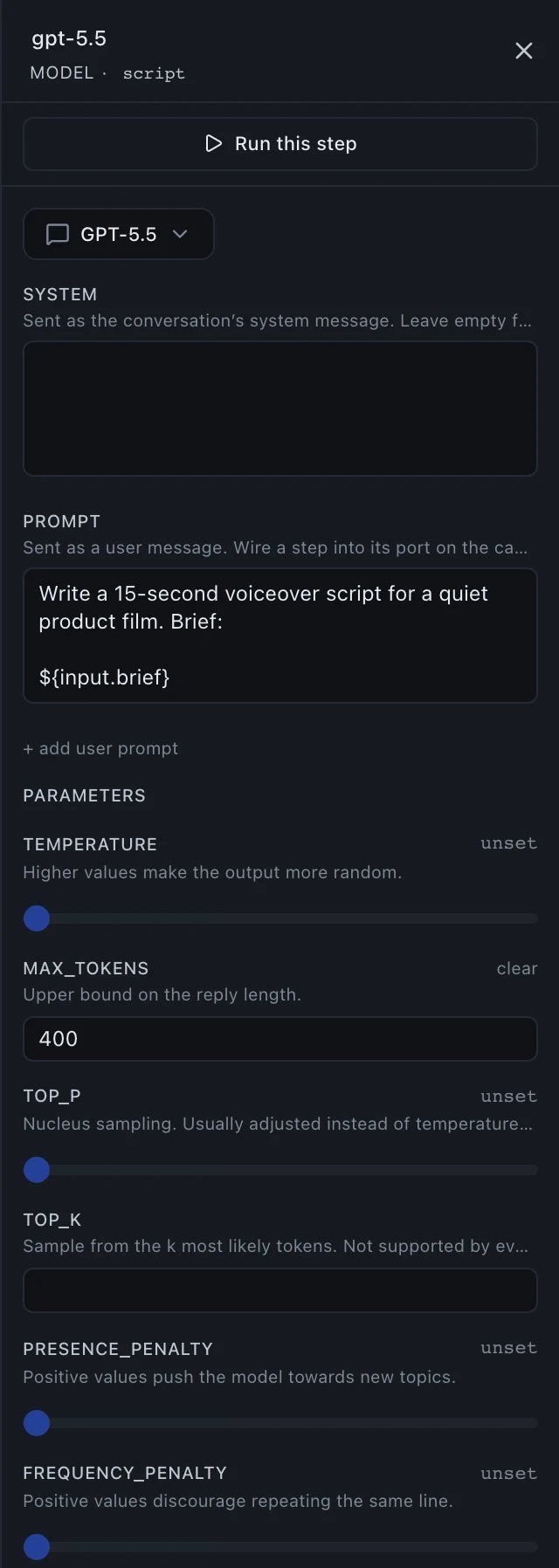 What is worth knowing here:
* **Parameters left `unset` are not sent.** They are not silently defaulted to
something on our side — the provider's own default applies, which is usually
what you want.
* **`Run this step`** runs one step using the results the others already
produced. If an upstream step has not run yet, the panel says so rather than
running the whole workflow behind your back.
* **`INFERRED`** on a card means the chosen model publishes no parameter schema,
so the inspector worked the step's ports out from the model's known
parameters instead of fetching them — and they may be incomplete. It runs the
same; the badge is there so you know to double-check the fields.
## Bindings, on the canvas
A binding like `${input.brief}` or `${steps.script.output.choices.0.message.content}` is the
same [binding](/workflows/bindings) the JSON uses, and the editor shows it as text because
that is what it is — there is no hidden second representation.
One form is worth knowing before you meet it:
```
${steps.search.output.answer | steps.search.output.results}
```
The `|` is a **fallback**: use `answer` if the step produced one, otherwise `results`. Handy,
and worth using carefully — a fallback means a broken primary reference still resolves, so
the workflow keeps running and nothing tells you the first half stopped matching anything.
## The JSON underneath
What is worth knowing here:
* **Parameters left `unset` are not sent.** They are not silently defaulted to
something on our side — the provider's own default applies, which is usually
what you want.
* **`Run this step`** runs one step using the results the others already
produced. If an upstream step has not run yet, the panel says so rather than
running the whole workflow behind your back.
* **`INFERRED`** on a card means the chosen model publishes no parameter schema,
so the inspector worked the step's ports out from the model's known
parameters instead of fetching them — and they may be incomplete. It runs the
same; the badge is there so you know to double-check the fields.
## Bindings, on the canvas
A binding like `${input.brief}` or `${steps.script.output.choices.0.message.content}` is the
same [binding](/workflows/bindings) the JSON uses, and the editor shows it as text because
that is what it is — there is no hidden second representation.
One form is worth knowing before you meet it:
```
${steps.search.output.answer | steps.search.output.results}
```
The `|` is a **fallback**: use `answer` if the step produced one, otherwise `results`. Handy,
and worth using carefully — a fallback means a broken primary reference still resolves, so
the workflow keeps running and nothing tells you the first half stopped matching anything.
## The JSON underneath
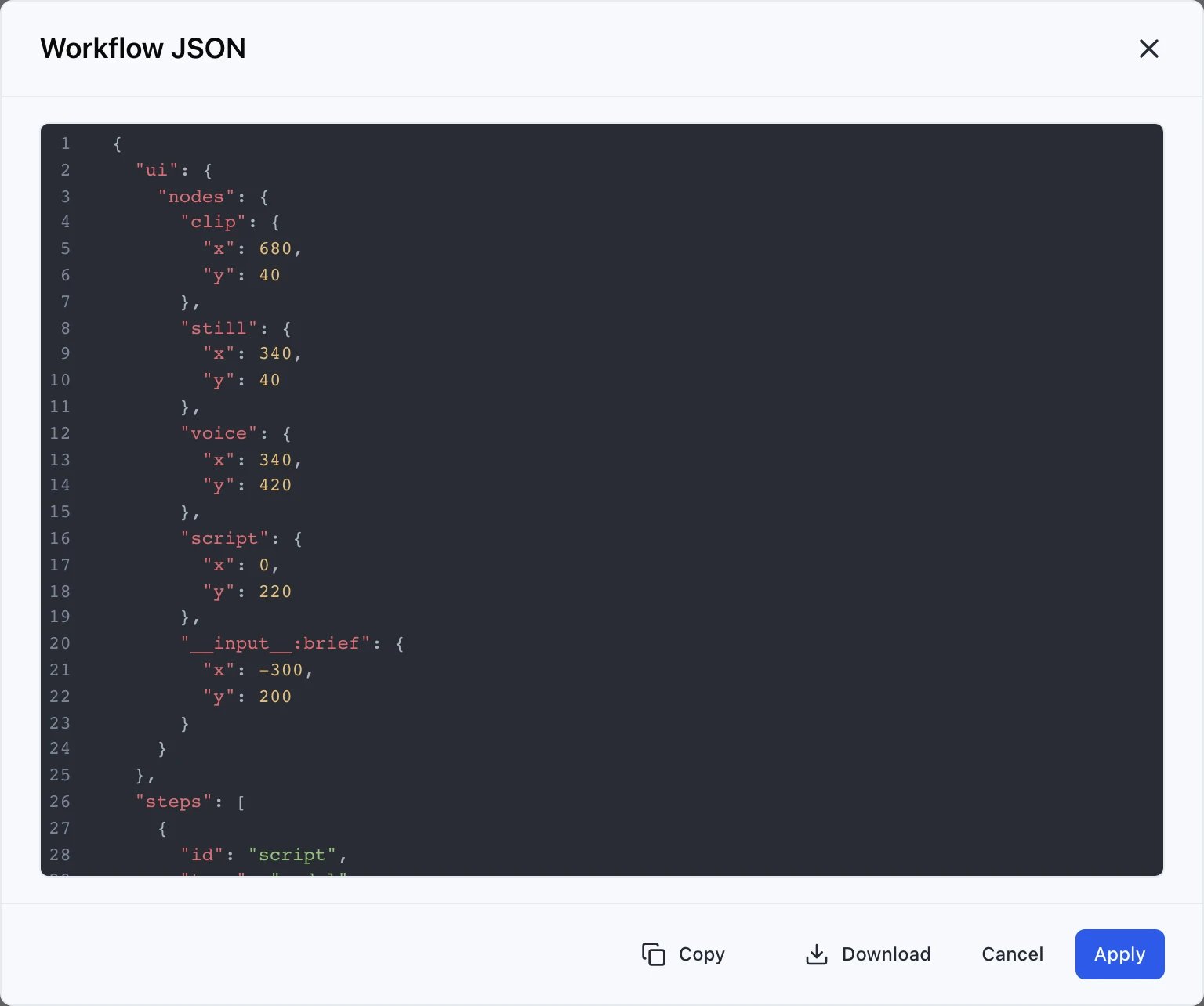
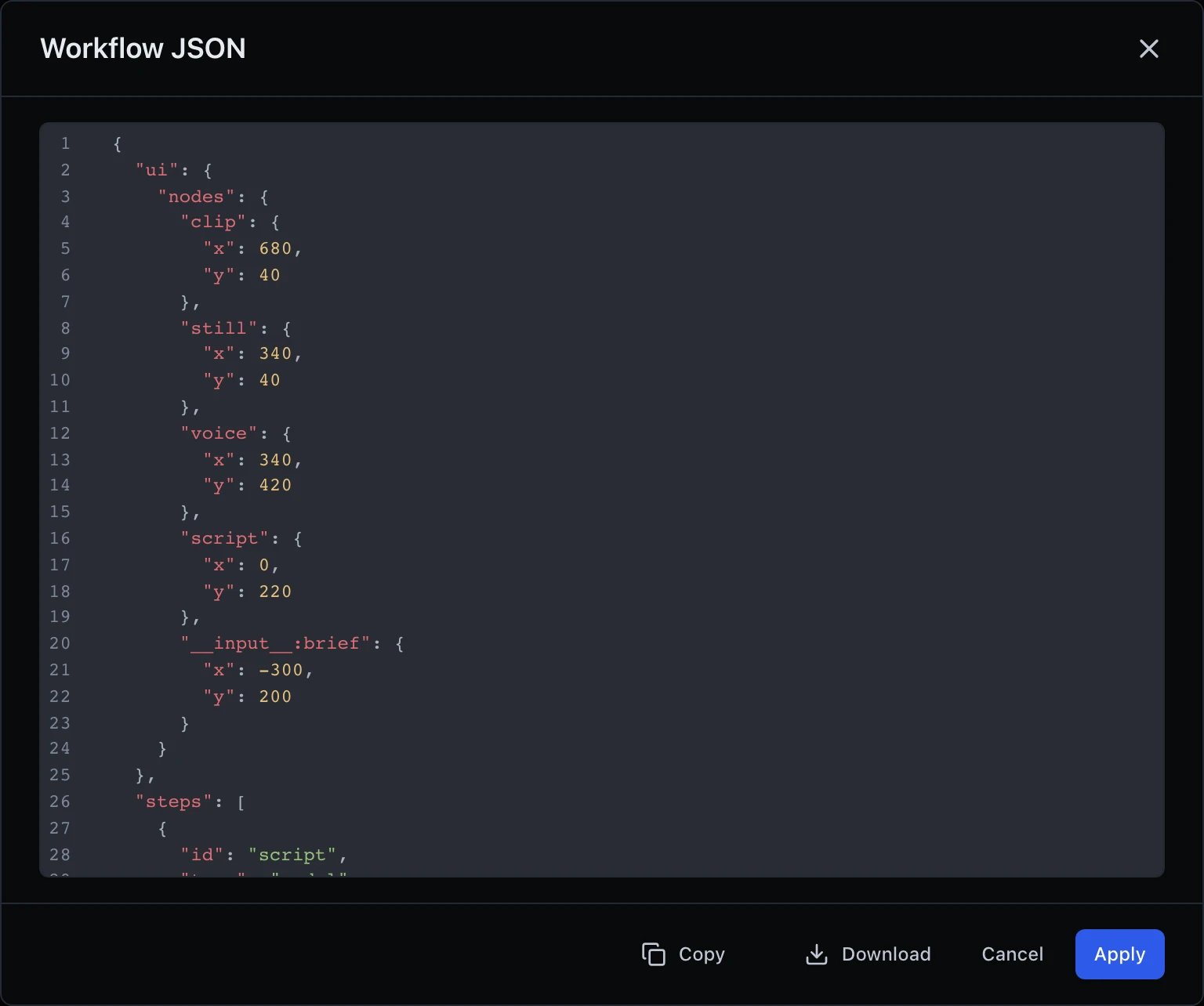 **JSON** in the header shows exactly what
[`POST /v1/workflows`](/api-reference/workflows/create) would store. Use it to
learn the format, to copy a workflow into code, or to check what the canvas
actually built.
## Saving, versions and runs
**Save** publishes a new version. The version dropdown beside the workflow name
switches between them, and a run always records the version it executed — so
opening an old run shows the definition that produced it, not whatever is
published now.
Your unsaved edits are kept as a **draft**, and a draft is yours alone: a
colleague opening the same workflow sees the published version, not your
half-finished change.
**Run** executes the whole workflow with the values in the input cards. Results
appear in the run panel at the bottom, and every run is listed under the workflow
in the sidebar.
Once a workflow works, it can run on a timer — every weekday at 09:00, or once
at a time you pick.
**JSON** in the header shows exactly what
[`POST /v1/workflows`](/api-reference/workflows/create) would store. Use it to
learn the format, to copy a workflow into code, or to check what the canvas
actually built.
## Saving, versions and runs
**Save** publishes a new version. The version dropdown beside the workflow name
switches between them, and a run always records the version it executed — so
opening an old run shows the definition that produced it, not whatever is
published now.
Your unsaved edits are kept as a **draft**, and a draft is yours alone: a
colleague opening the same workflow sees the published version, not your
half-finished change.
**Run** executes the whole workflow with the values in the input cards. Results
appear in the run panel at the bottom, and every run is listed under the workflow
in the sidebar.
Once a workflow works, it can run on a timer — every weekday at 09:00, or once
at a time you pick.