> ## Documentation Index
> Fetch the complete documentation index at: https://docs.infery.ai/llms.txt
> Use this file to discover all available pages before exploring further.
# Comparing models
> Run one prompt across several models side by side, and optionally have a model review the results.
Open the compare panel with the **Compare** icon in the message bar, pick the
models, then type your prompt and send it as usual. Each model answers
independently and its result appears as its own card the moment it is ready.
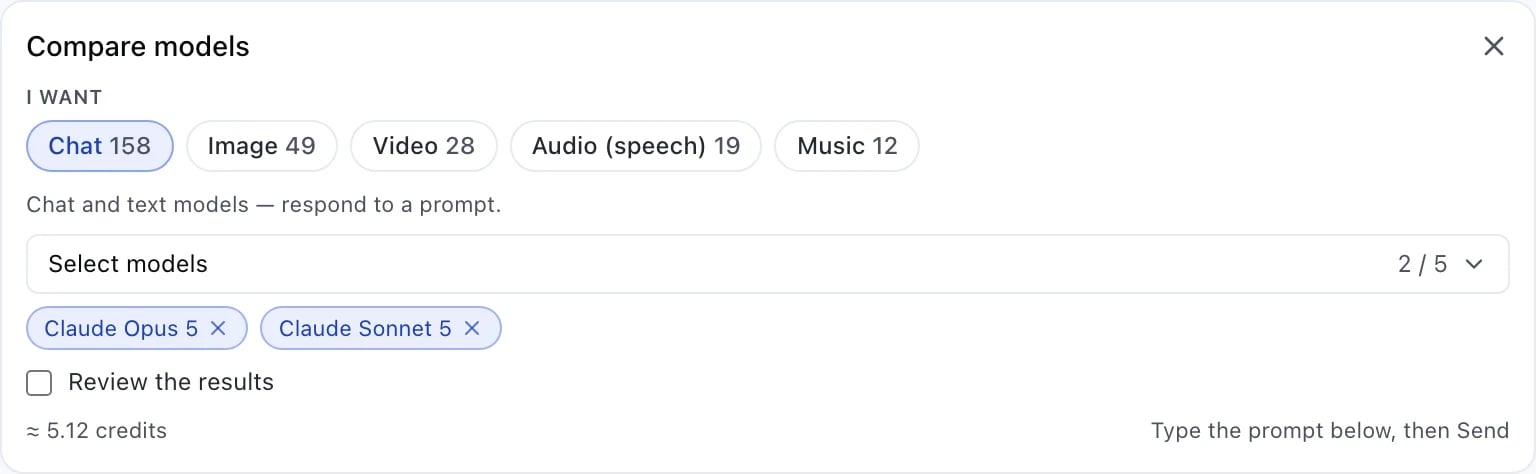
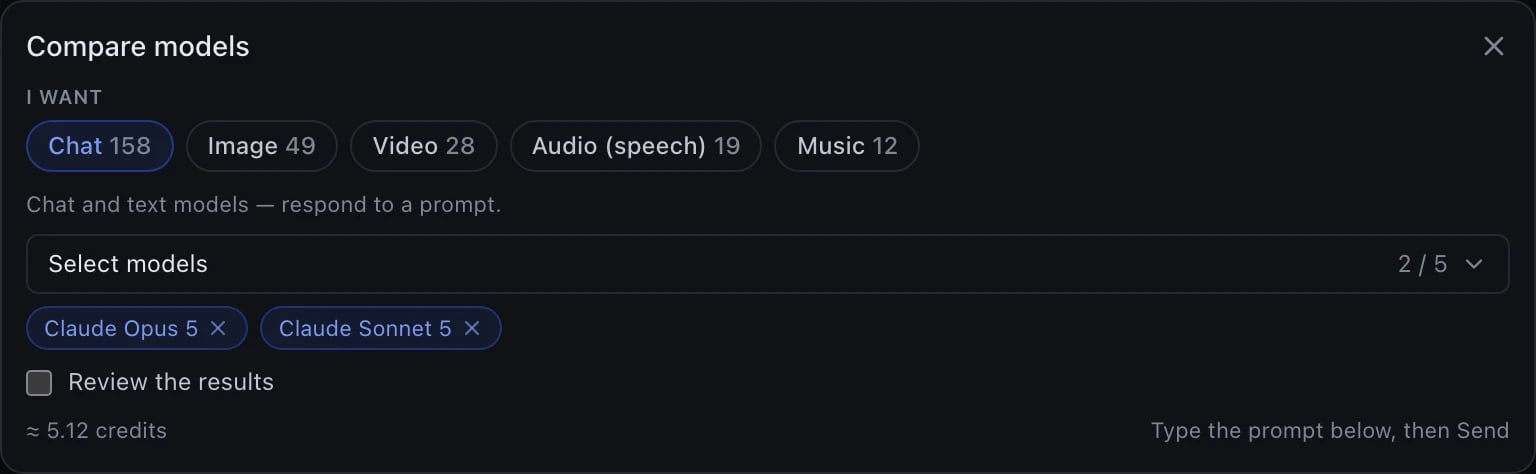 That panel is the half of a comparison this page had never shown a picture of
— the request. Fill in what you want and which models before you type the
prompt; the result it produces is what the next screenshot shows.
That panel is the half of a comparison this page had never shown a picture of
— the request. Fill in what you want and which models before you type the
prompt; the result it produces is what the next screenshot shows.
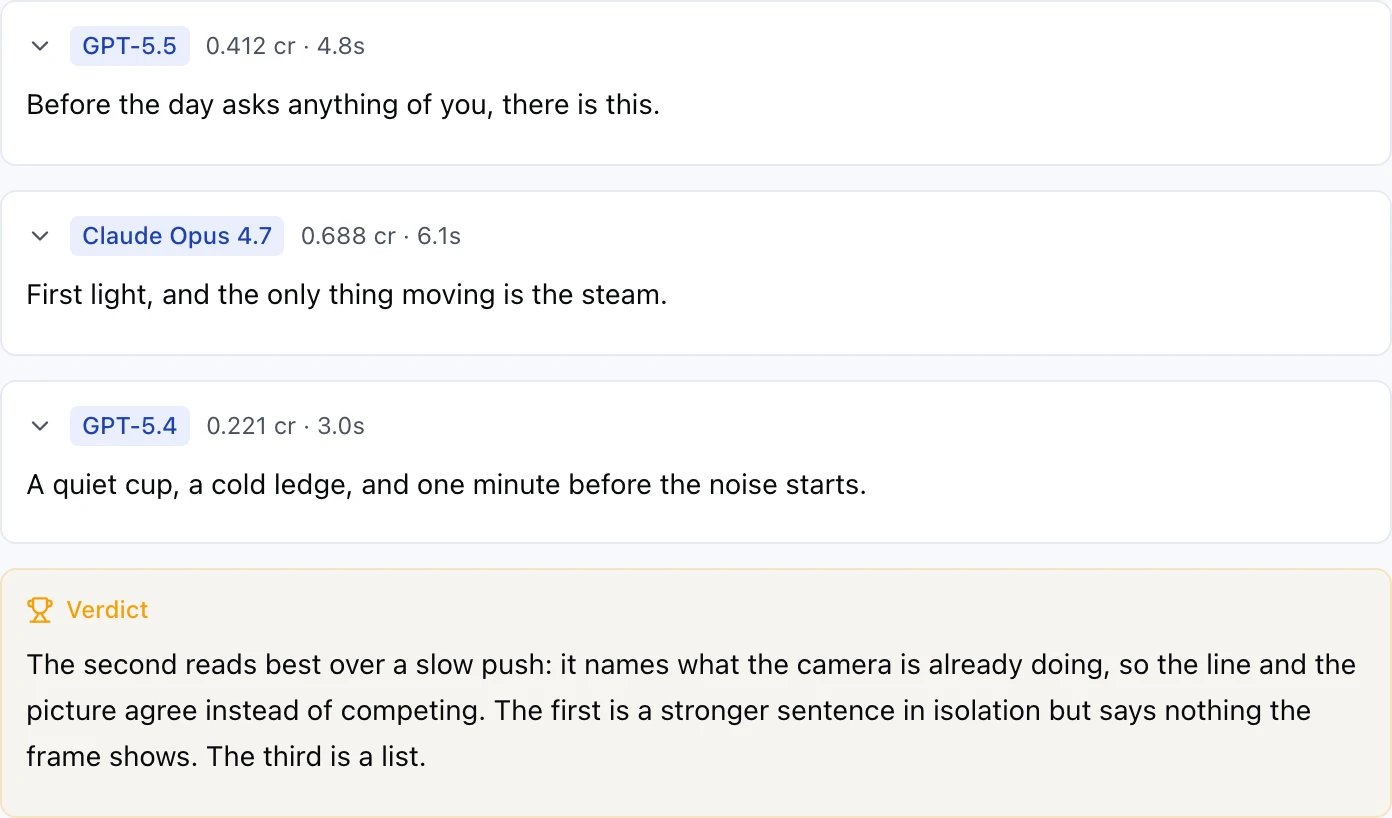
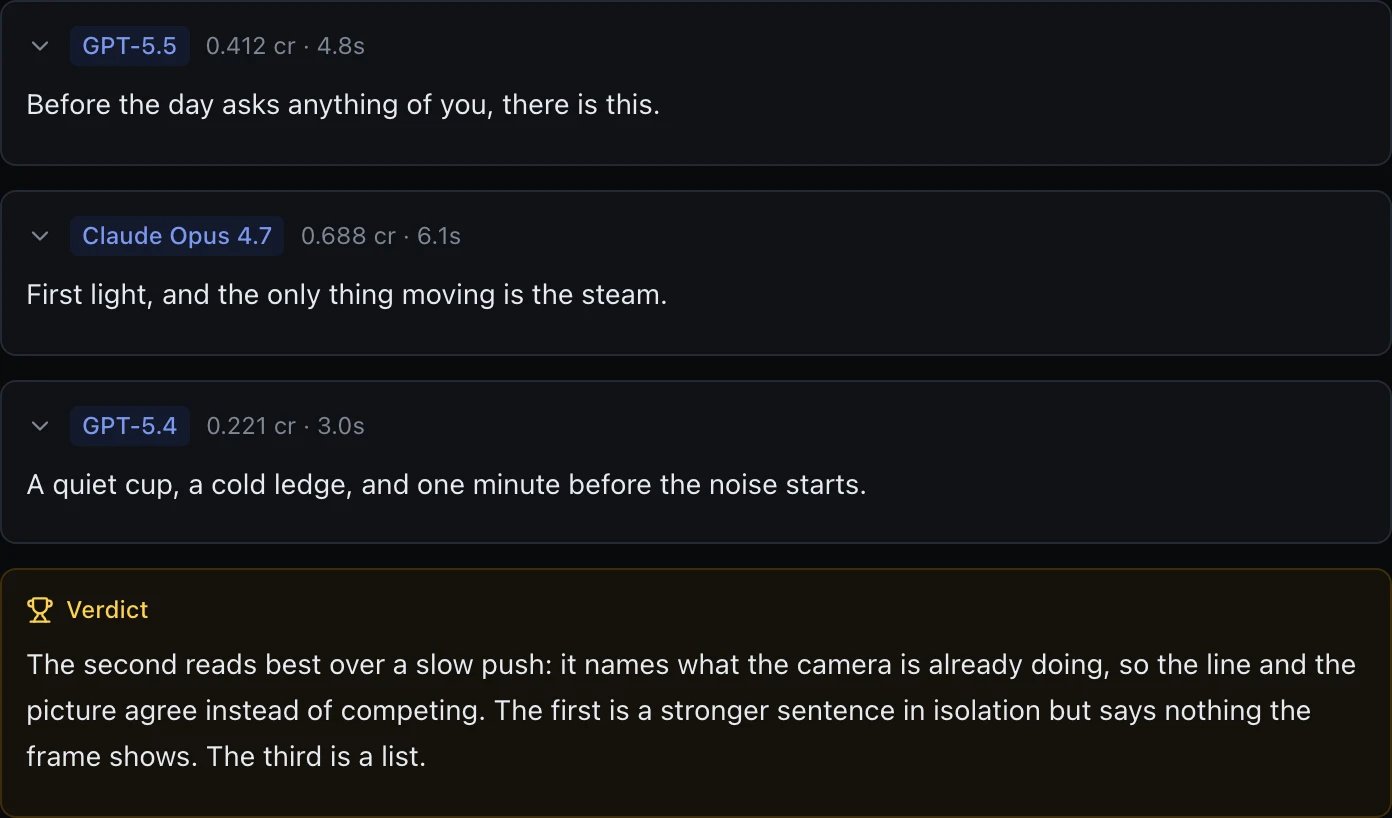 Every card shows what that model charged and how long it took, so a comparison
answers two questions at once: which answer is better, and what the better
answer costs. The cheapest and the slowest are rarely the same model.
## What you can compare
* Between **2 and 5 models** per comparison.
* Pick what you want out (**Chat**, **Image**, **Video**, …) and, where it
matters, what you are starting from (a prompt, or an image you attach).
Changing either one clears the selection — models of one kind cannot be
compared against models of another.
* When the models take an image — editing one, upscaling one, analysing one, or
animating one into a video — attach it first. Every model gets the same image,
which is the point of the comparison.
* Some combinations are not offered because we cannot run them honestly: a
video-from-video comparison, for instance, would quietly fall back to
generating from your prompt instead of using your video.
## Reviewing the results
Turn on **Review the results** to have a model judge the answers and name a
winner. For a text comparison the judgement arrives as a **Verdict** panel
right under the cards, as in the screenshot above, where the winner is picked
for naming what the camera is already doing — so the line and the picture
agree — rather than for being the strongest sentence in isolation. For a media
comparison (image, video, audio, …) the verdict arrives as its own message
below the cards instead, not a panel attached to them.
Leave the selector on *Default* to use the agent's own model, or pick any chat
model. For an image comparison or image edit, the list is limited to models
that can see images, since the judge is actually shown the pictures it is
scoring. For any other kind of media comparison, no chat model can watch or
listen to the outputs at all, so the judge is told this directly and compares
by price, speed and reputation instead — its answer says so explicitly rather
than pretending to have seen or heard anything.
For a media comparison, whatever you choose here is final for that turn: with
Review on, the judgement runs right away; with Review off, you will not be
asked again afterwards. This is deliberate — you already answered the question
in the form.
## Cost
The panel shows an approximate total before you send: every selected model runs,
so a comparison costs about the sum of its parts. Video comparisons, and any
comparison over the confirmation threshold, ask you to confirm the price before
anything runs.
## What a comparison is not
A failed model stays a failed card. Nothing is silently re-run on a different
model — you picked these models, so these are the ones that answer.
Every card shows what that model charged and how long it took, so a comparison
answers two questions at once: which answer is better, and what the better
answer costs. The cheapest and the slowest are rarely the same model.
## What you can compare
* Between **2 and 5 models** per comparison.
* Pick what you want out (**Chat**, **Image**, **Video**, …) and, where it
matters, what you are starting from (a prompt, or an image you attach).
Changing either one clears the selection — models of one kind cannot be
compared against models of another.
* When the models take an image — editing one, upscaling one, analysing one, or
animating one into a video — attach it first. Every model gets the same image,
which is the point of the comparison.
* Some combinations are not offered because we cannot run them honestly: a
video-from-video comparison, for instance, would quietly fall back to
generating from your prompt instead of using your video.
## Reviewing the results
Turn on **Review the results** to have a model judge the answers and name a
winner. For a text comparison the judgement arrives as a **Verdict** panel
right under the cards, as in the screenshot above, where the winner is picked
for naming what the camera is already doing — so the line and the picture
agree — rather than for being the strongest sentence in isolation. For a media
comparison (image, video, audio, …) the verdict arrives as its own message
below the cards instead, not a panel attached to them.
Leave the selector on *Default* to use the agent's own model, or pick any chat
model. For an image comparison or image edit, the list is limited to models
that can see images, since the judge is actually shown the pictures it is
scoring. For any other kind of media comparison, no chat model can watch or
listen to the outputs at all, so the judge is told this directly and compares
by price, speed and reputation instead — its answer says so explicitly rather
than pretending to have seen or heard anything.
For a media comparison, whatever you choose here is final for that turn: with
Review on, the judgement runs right away; with Review off, you will not be
asked again afterwards. This is deliberate — you already answered the question
in the form.
## Cost
The panel shows an approximate total before you send: every selected model runs,
so a comparison costs about the sum of its parts. Video comparisons, and any
comparison over the confirmation threshold, ask you to confirm the price before
anything runs.
## What a comparison is not
A failed model stays a failed card. Nothing is silently re-run on a different
model — you picked these models, so these are the ones that answer.